
The document archive and the eight ready-made folders
The document archive has eight ready-made folders from day one. Six are open to everyone in the company, and two are for administrators only.
- Applies to: Employee
- Applies to: Manager
- Applies to: Administrator
- Requires HSE or HR in the plan
In the portal: Documents
The eight folders
- HMS og rutiner, Risikoanalyser og SJA, Vernerunder og revisjoner, AMU og møtereferater, Kurs og kompetansebevis and Ansattmapper: open to everyone in the company who has access to the archive.
- Personal and Avtaler og kontrakter: administrators only.
The folders are empty at the start, and can be renamed but not deleted. “Ansattmapper” is meant for one subfolder per employee, shared with that employee.
How to upload
Open Documents, and open a folder. Uploading is not possible at the top level.
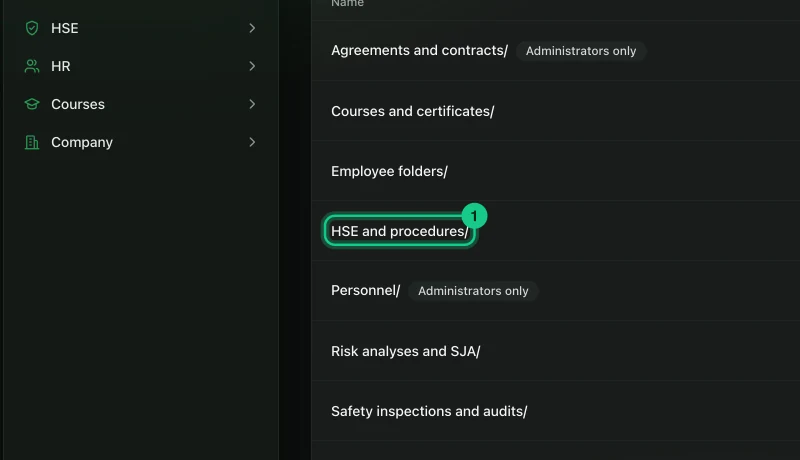
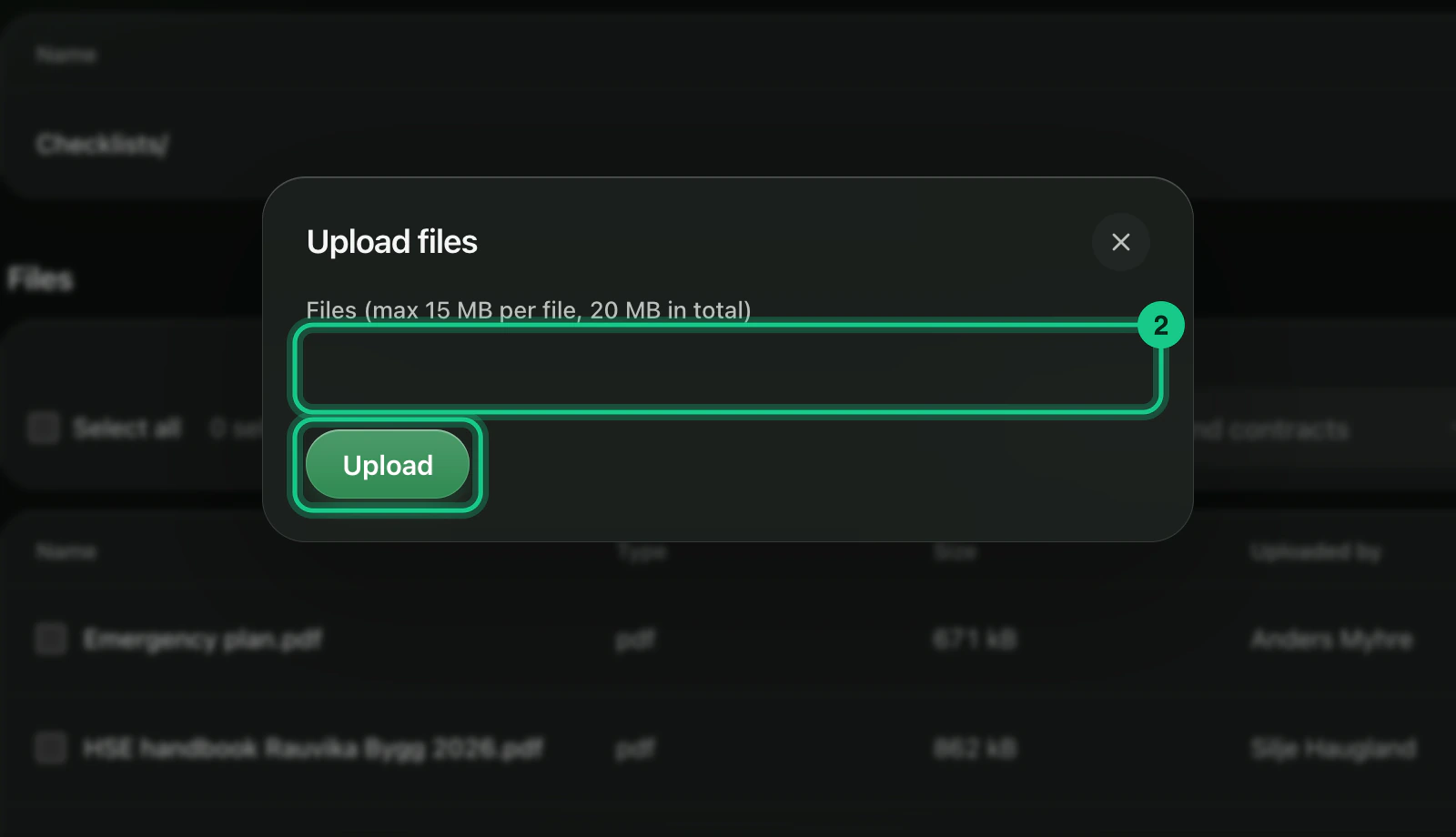
Select “Upload files” inside the folder. The file chooser opens. Choose the files and select “Upload”. Each file can be up to 15 MB, and you can upload up to 20 MB at a time.


What happens next?
Risikoanalyser og SJA and Vernerunder og revisjoner are filled automatically with a PDF when they are finalised. The other folders are not filled by themselves.
Common problems
- The file cannot be uploaded. Allowed types include PDF, Word, Excel, PowerPoint, images, text and zip. Programs and web pages (such as html and svg) are not allowed.
- You do not see a folder. See “Why can’t I see a folder?”.
- You cannot delete or rename. That requires edit rights on “Documents”. By default administrators and managing directors have them.