
See who has taken which courses, and send a reminder
Under Courses > Employee courses you see the status per employee and course, and can send a reminder to those who have not finished.
- Applies to: Administrator
- Requires Courses
In the portal: Courses > Employee courses
How to do it
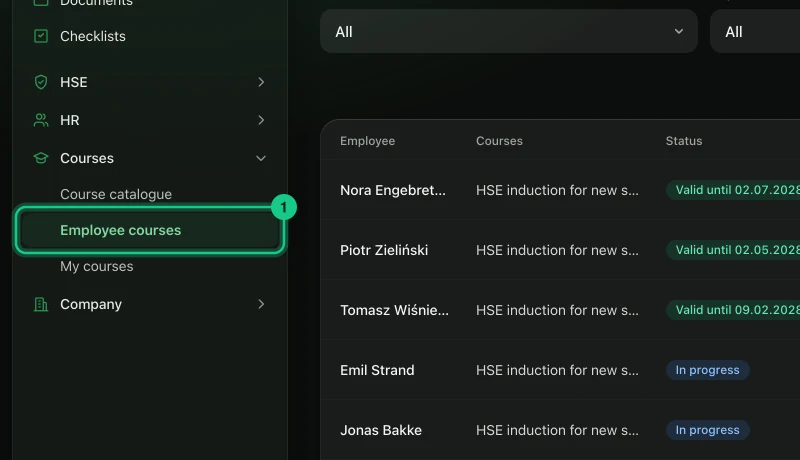
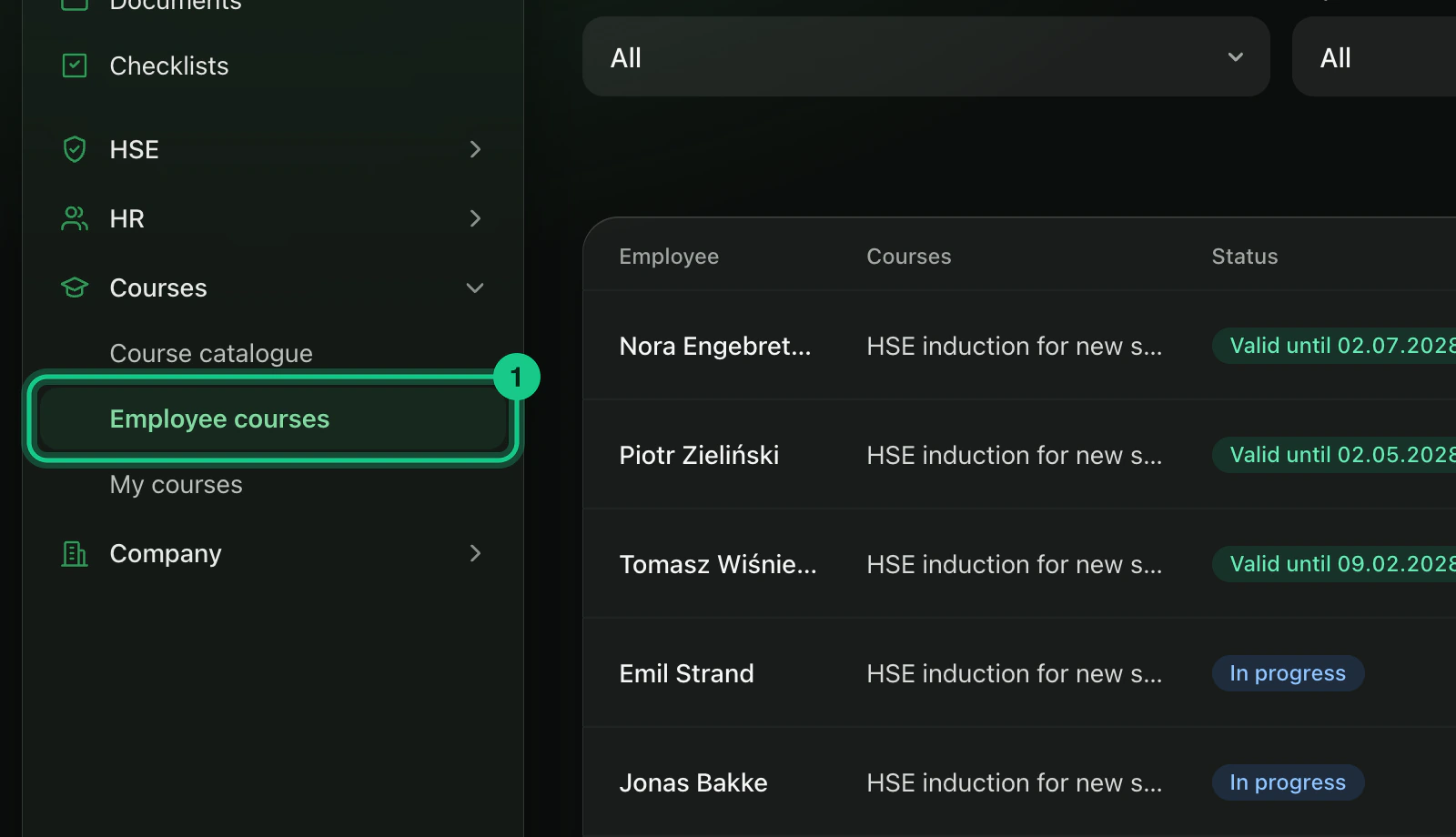
Go to Courses > Employee courses.
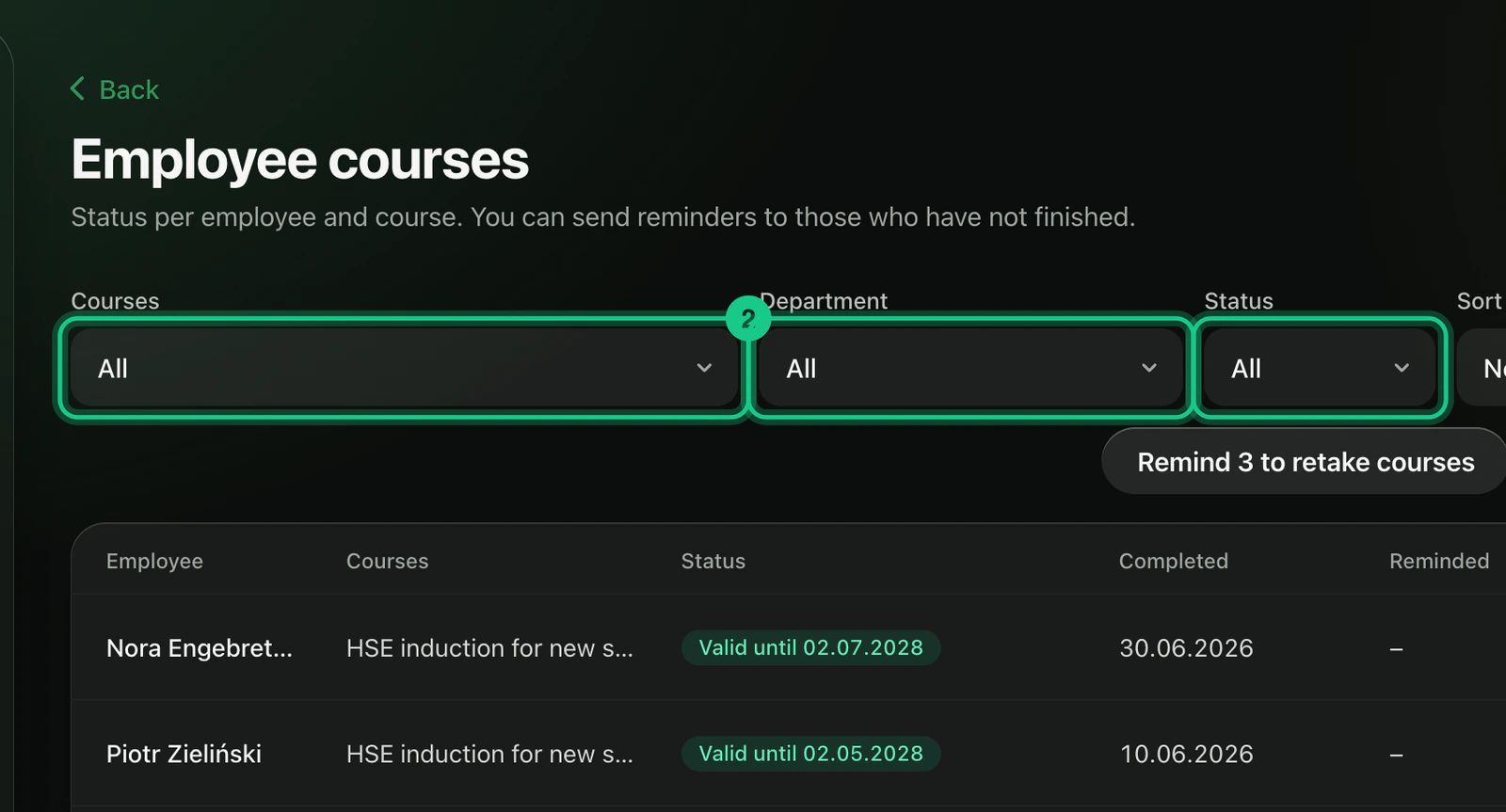
Use the filters “Course”, “Department” and “Status” to find the people you are looking for.

The table shows “Employee”, “Course”, “Status”, “Completed” and “Reminded”. The statuses are “Not started”, “In progress”, “Not passed” and “Completed”.
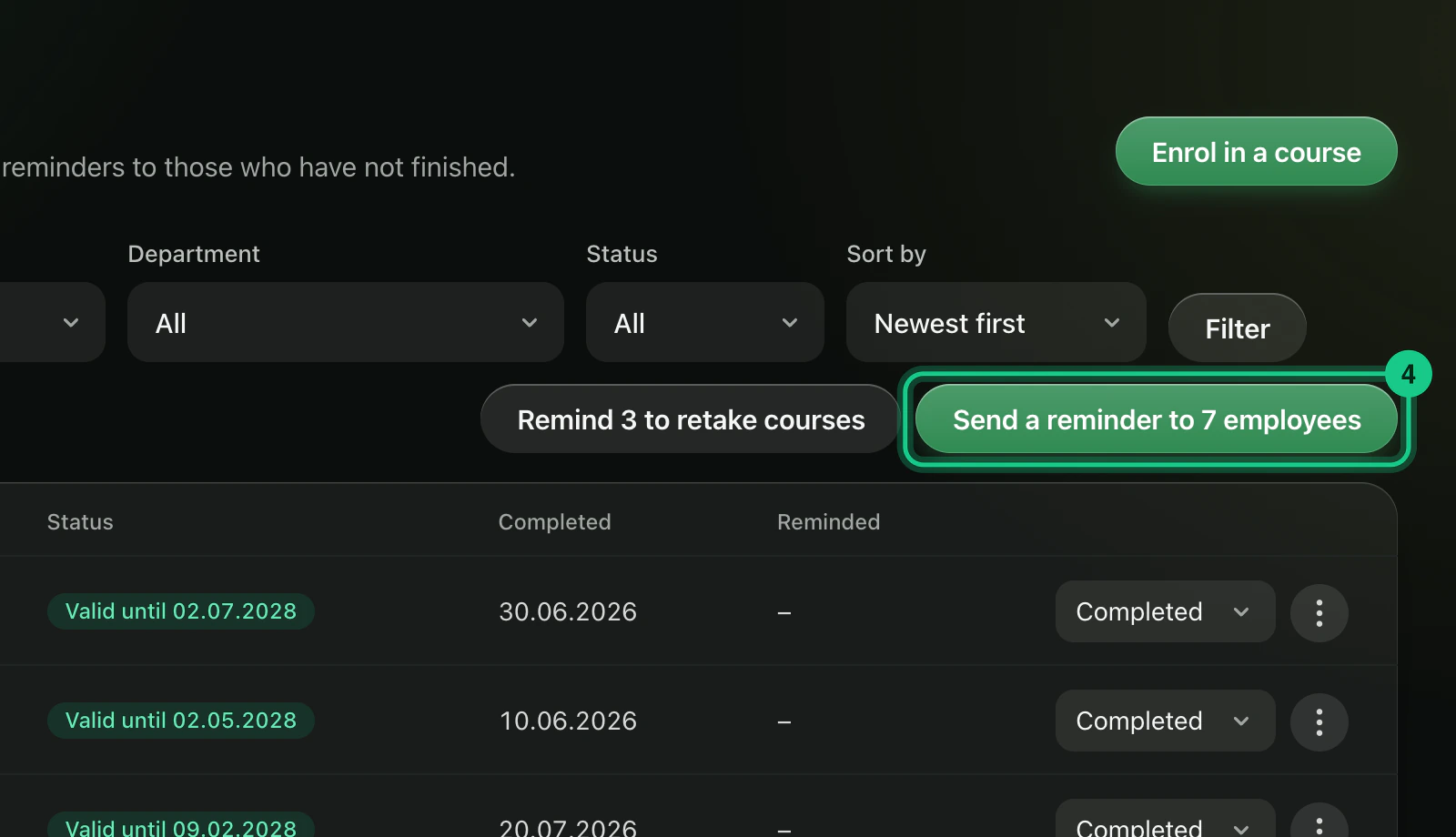
Select “Remind” in the row menu for one person, or “Send reminder to (number) employees” for everyone in the filter who has not finished.
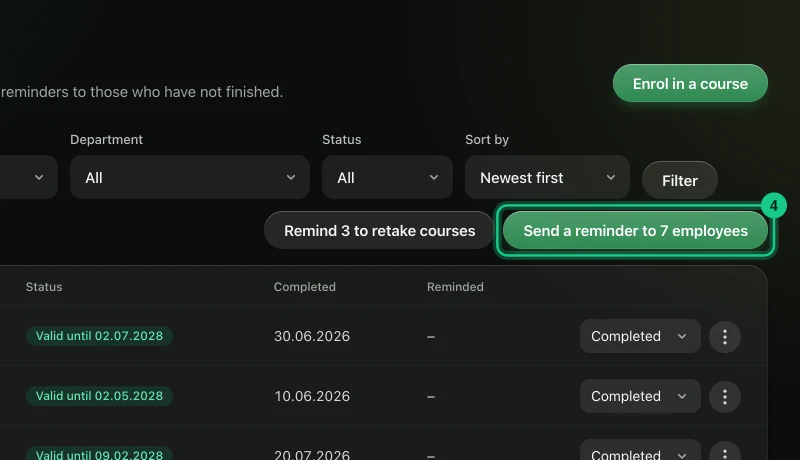
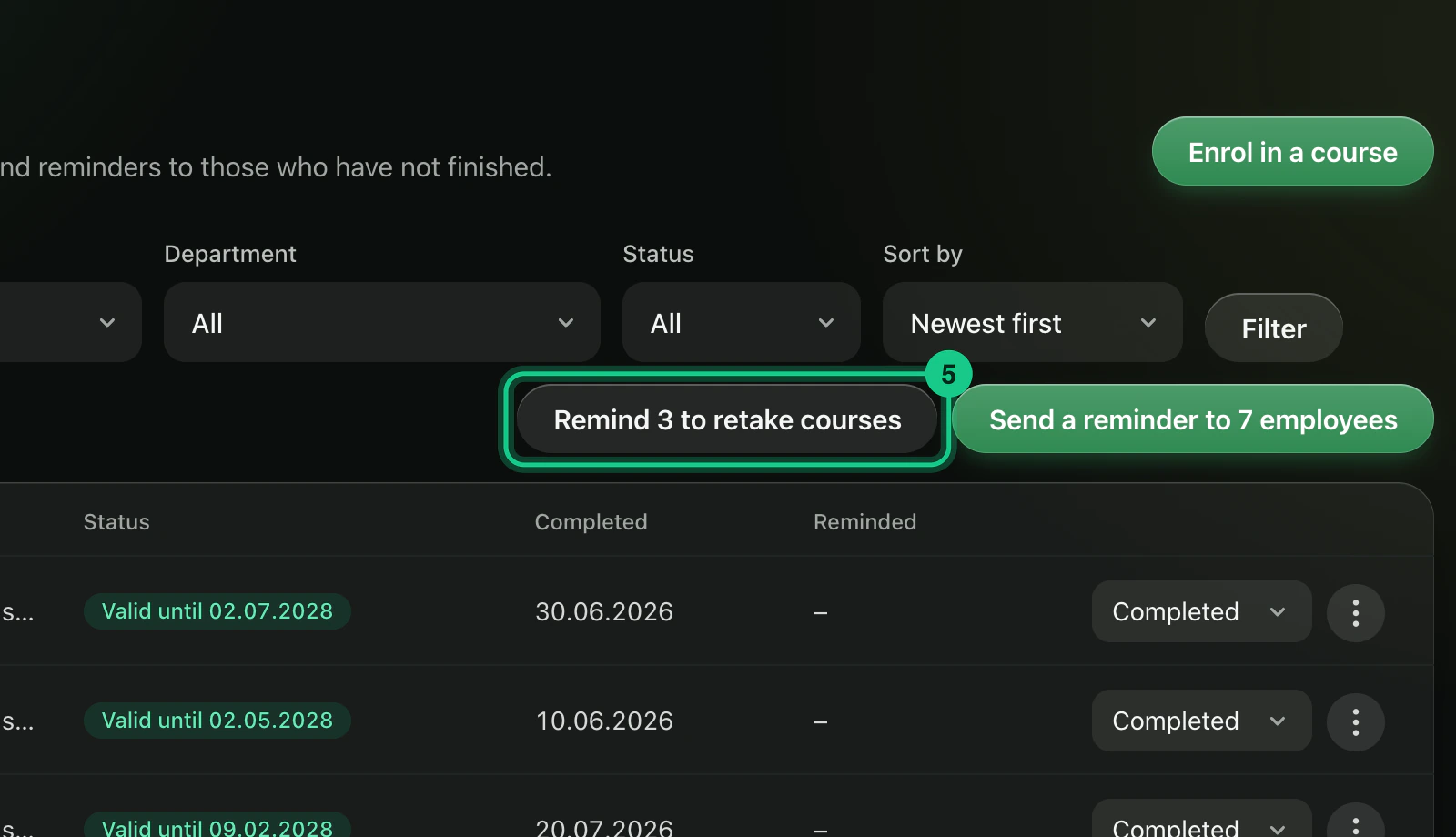
For courses that are about to expire, use the button “Remind (number) to retake courses”. The number shows how many employees get the reminder: those whose certificate expires within two months or has already expired. Per row there is “Remind to retake the course”.

What happens next?
The employee gets a notification, and a task with a deadline 14 days ahead if the company has HSE or HR in the plan. The date is shown under “Reminded”. You get a notification yourself when an employee has used all attempts without passing, and when an employee enrols in a course.
Common problems
- The reminder cannot be sent. The employee must have a login linked to the employee record, under HR > Employees.
- You want to give new attempts. Set the status to “In progress”. The used test attempts are then deleted.
- The course is not finished in the portal. You set the status to “Completed” yourself, once the certificate has been checked.