
Download all the company’s data
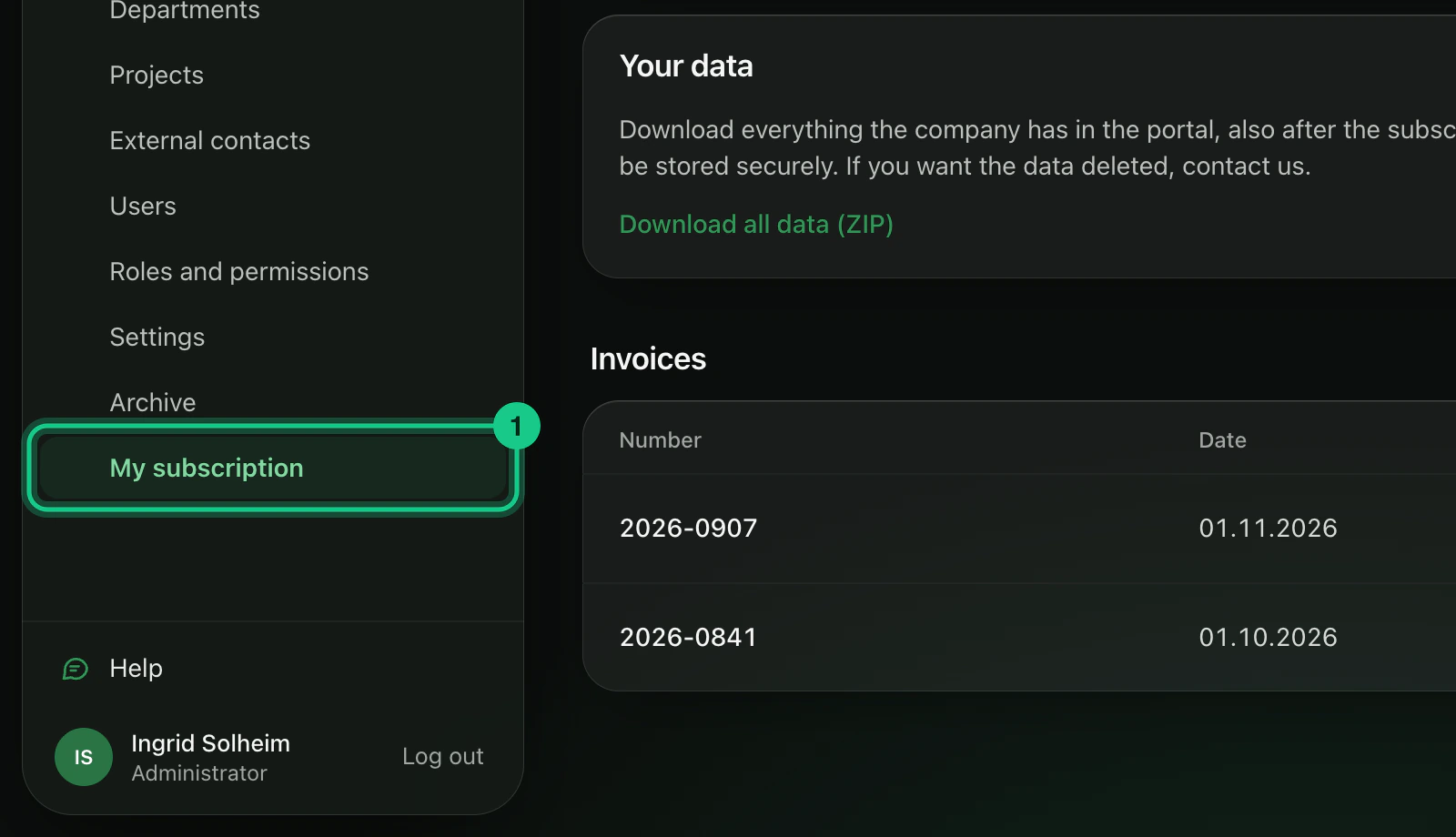
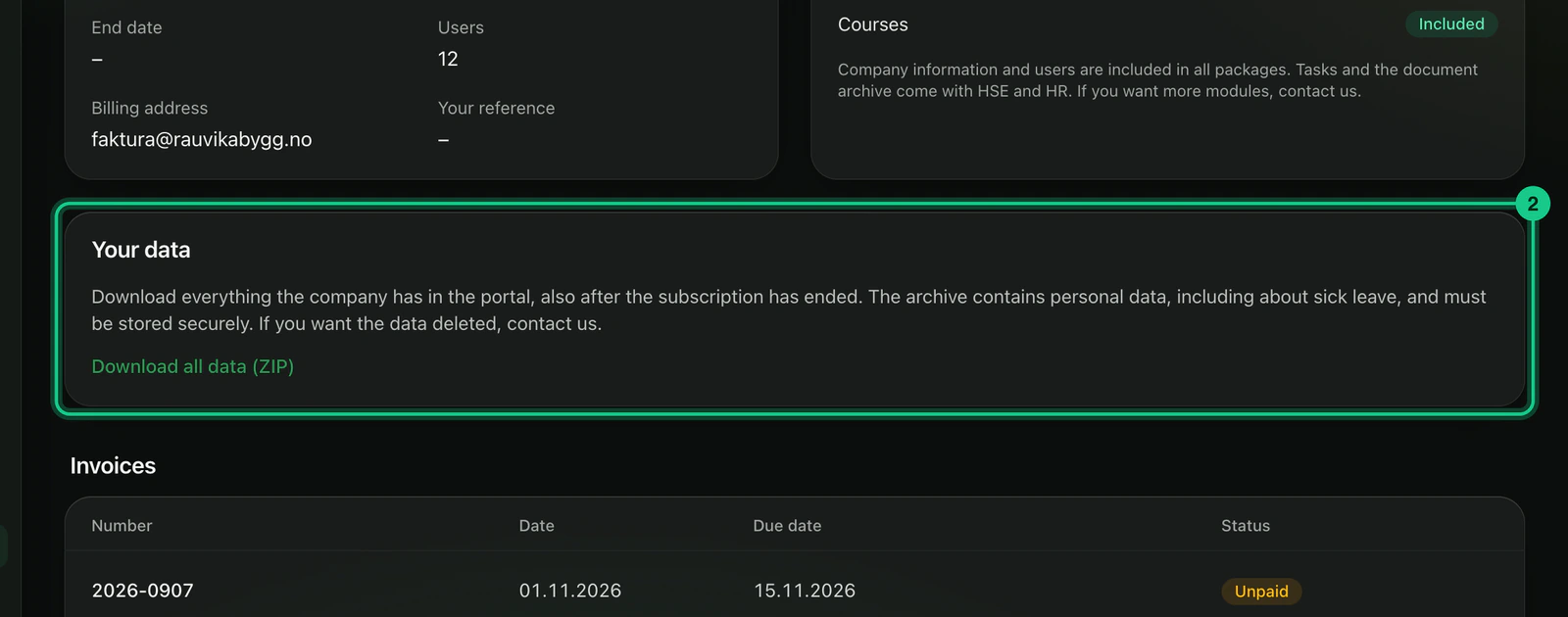
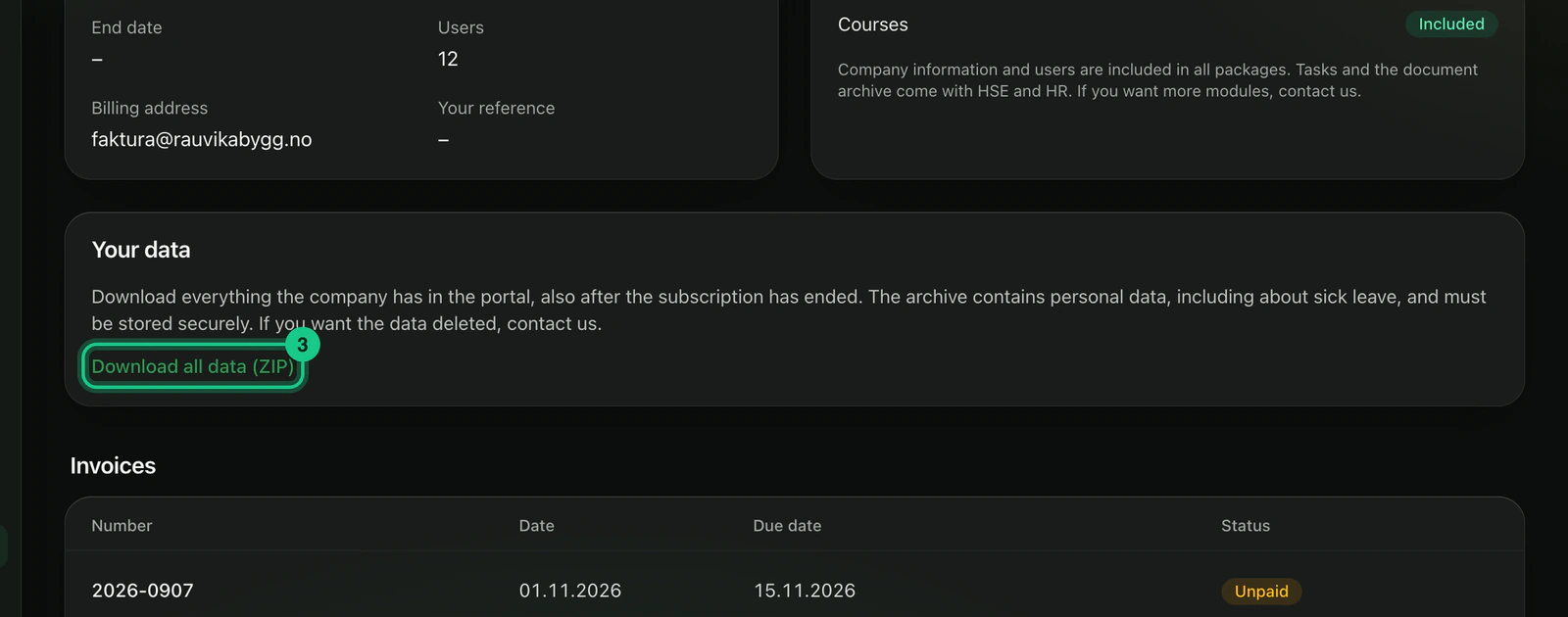
An administrator can download everything the company has in the portal as one ZIP file, with the link “Download all data (ZIP)” under Company > My subscription. This also works after the subscription has ended.
- Applies to: Administrator
In the portal: Company > My subscription > “Your data”
How to do it
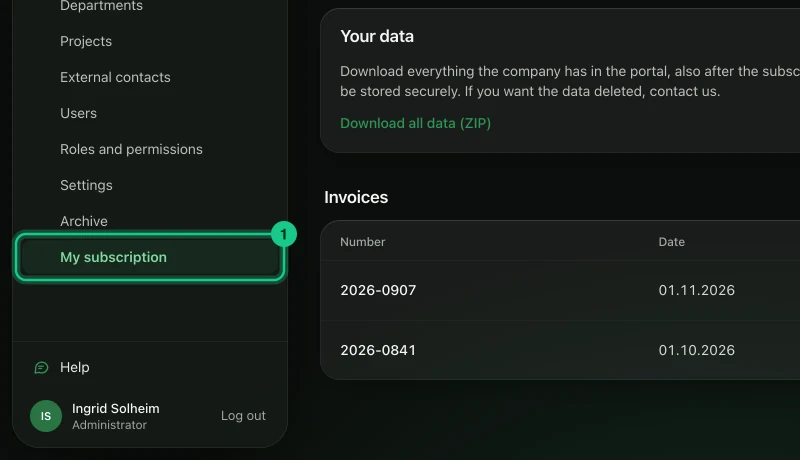
Go to Company > My subscription.
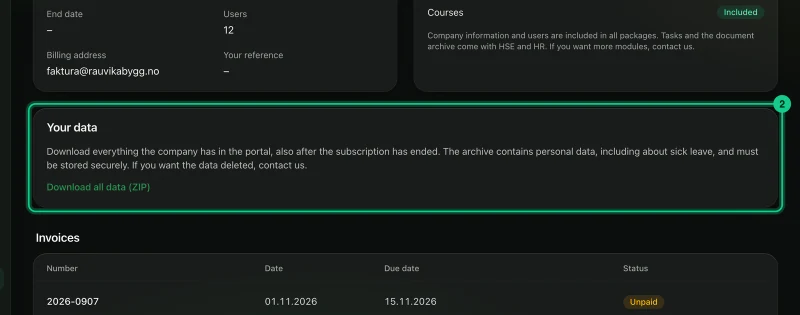
Find the “Your data” card.
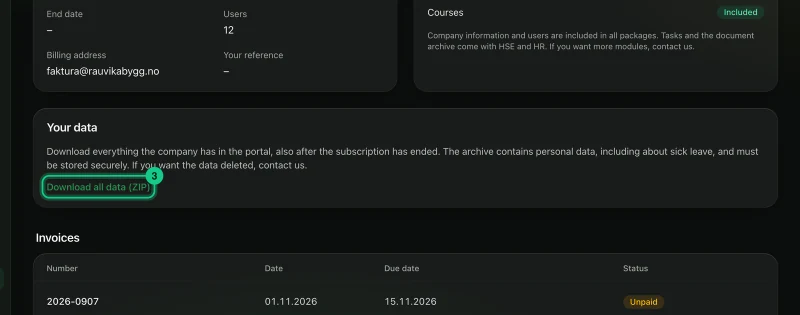
Select “Download all data (ZIP)”.
Save the file. It is named after the company and the date, and ends in .zip.
What is in the file?
- The data folder has one JSON file per table: among others employees, absence, hours, deviations, risk analyses, courses and enrolments, tasks, folders and files, invoices and the access log.
- The filer folder has all uploaded files, such as documents, deviation photos, safety data sheets and invoices.
- A read-me file (LES-MEG.txt) at the top says what is included, and lists files that were not found.
Passwords, two-factor keys, login sessions and the supplier’s internal notes are not included.
What happens next?
The download is written to the access log. The file contains personal data, including sick leave, and must be kept securely.
When can you download?
Always, as long as you are an administrator, even when the subscription has expired. The portal sets no time limit on the export. If you want the data deleted, contact us.
Common problems
- “Other exports are running right now. Try again in a couple of minutes.” Only two exports can run at the same time across the whole portal. Try again a little later.
- You do not see the link. Only administrators see the “Your data” card.