
Retention and deletion: set your own deadlines
Under Company > Settings > Deletion routines you set deadlines for sick leave and for former employees. Both are off until you fill them in, and deletion cannot be undone.
- Applies to: Administrator
In the portal: Company > Settings > “Deletion routines”
How to do it
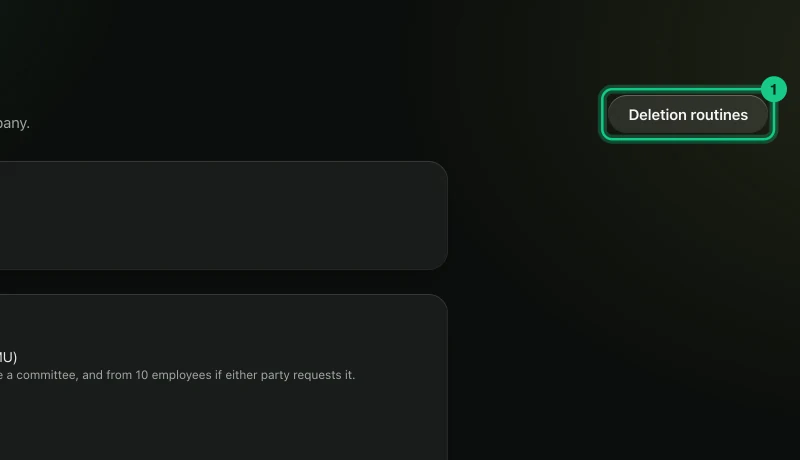
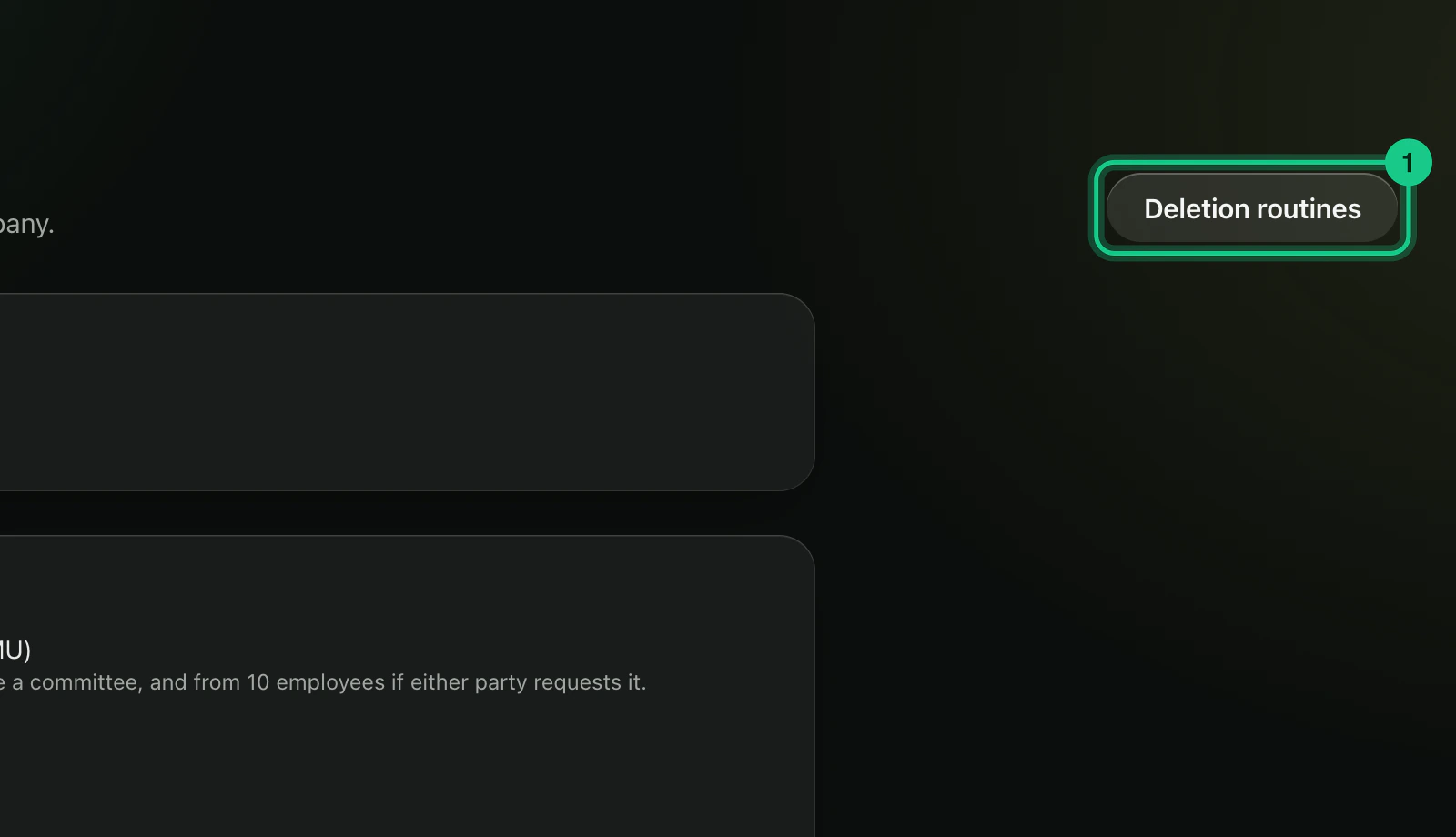
Go to Company > Settings and select “Deletion routines”.
Fill in the deadlines. An empty field means the rule is off.
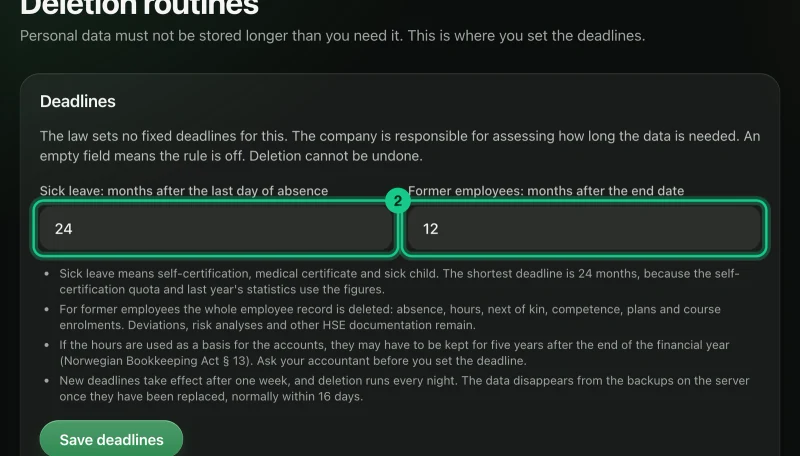
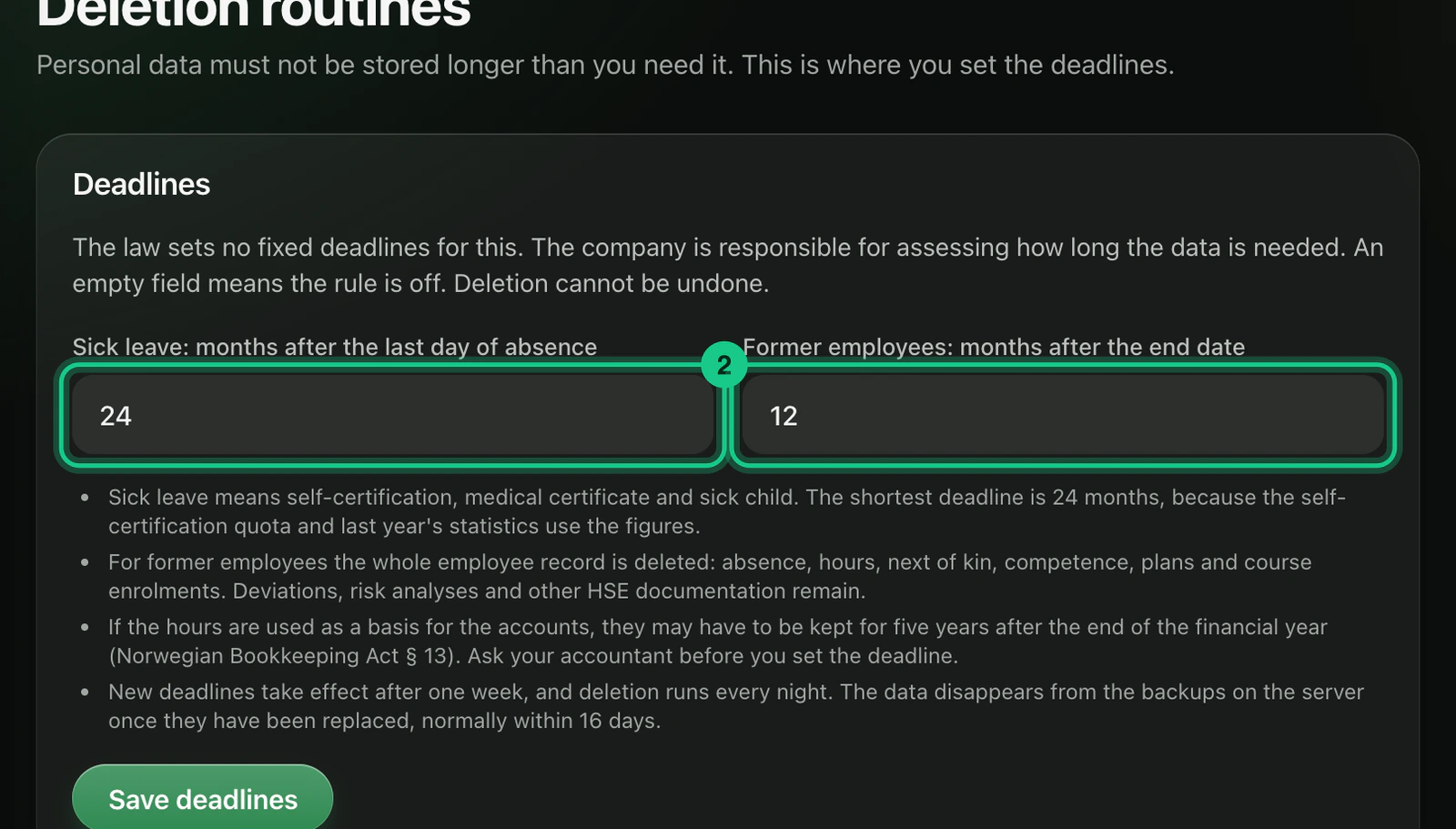
- “Sick leave: months after the last day of absence”. The lowest value is 24 months. - “Former employees: months after the end date”. The lowest value is 1 month.
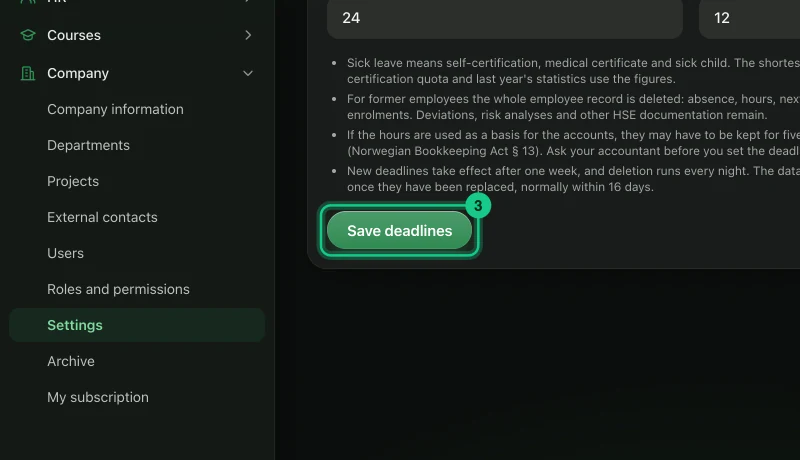
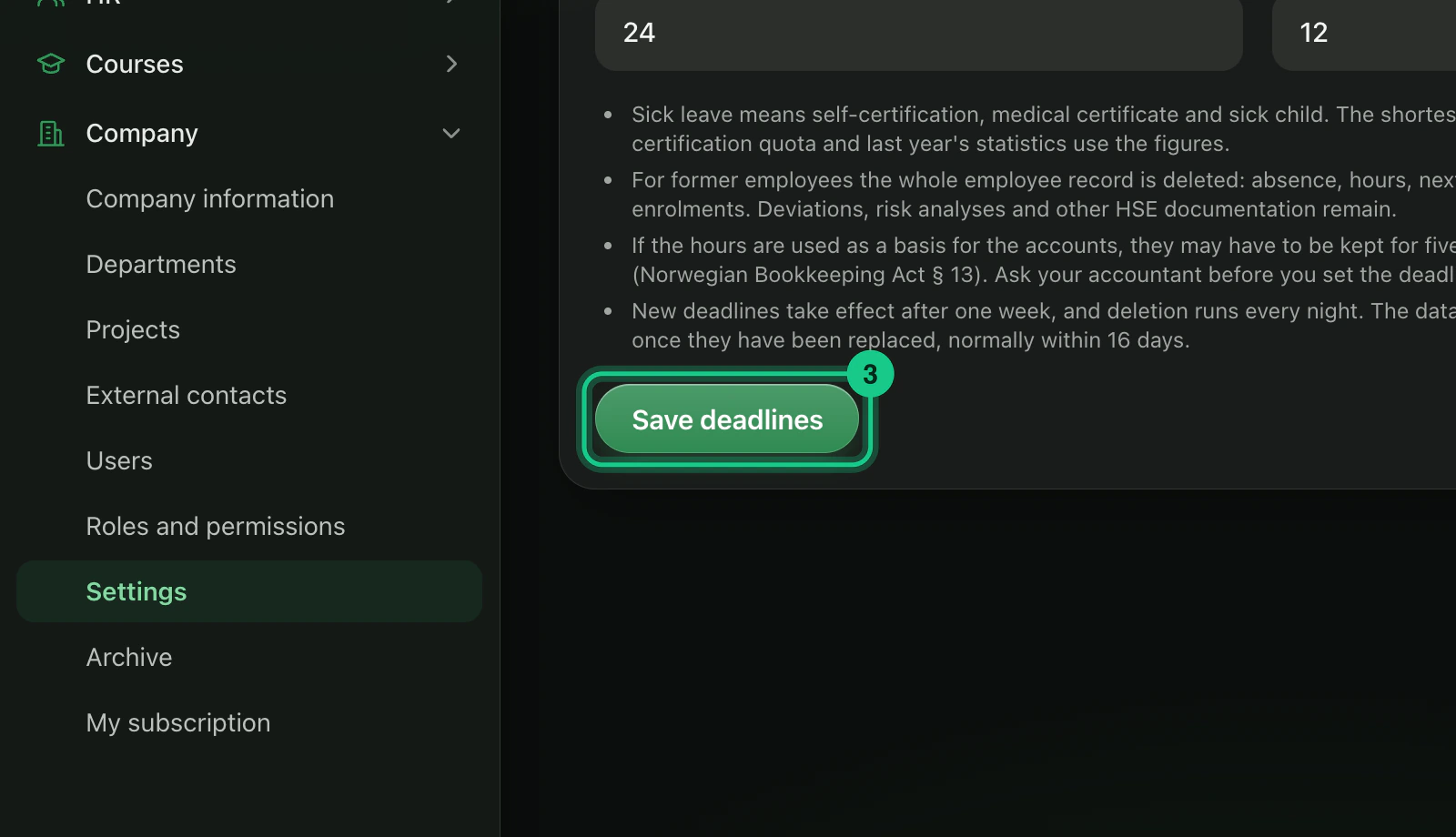
Select “Save deadlines”.
The law sets no fixed deadlines here. The company must assess for itself how long the information is needed.
What is deleted?
- Sick leave: self-certification, sick leave and sick child, once the absence is older than the deadline.
- Former employees: the whole employee record with absence, hours, next of kin, competence, plans and course enrolments. Deviations, risk analyses and other HSE documentation are left.
If the hours are used as a basis for the accounts, there may be a duty to keep them. Ask your accountant before you set the deadline.
What happens next?
New or changed deadlines only apply after one week. The card shows “Deleted from” with a date, and who and what will be deleted. The deletion runs every night. Administrators get a notification when something has been deleted, and the access log gets a line without names. The data also disappears from the portal’s own backups as they are replaced, normally within 16 days.
Stop deletion for one employee
Tick “Do not delete automatically” on the employee record, for example in a dispute. Employees with the mark are shown under “Past the deadline, but kept”. Remove the mark when the matter is settled.
Fixed deadlines from us
The access log is deleted after 12 months, the error log after 90 days, read notifications after 180 days and unread notifications after 365 days.
Common problems
- Nothing is deleted. The rules are off by default, and new deadlines only apply after a week.