
Update company information and settings
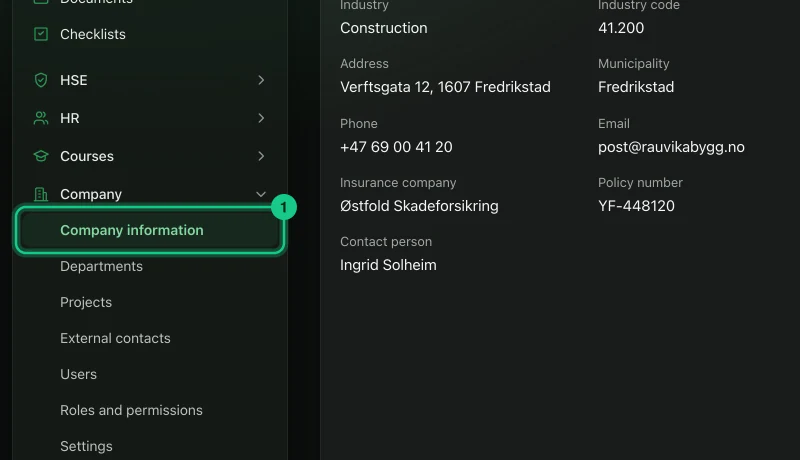
The company’s details are under Company > Company information, and rules that apply to the whole company, such as AMU, substance register, holiday and self-certification, are under Company > Settings.
- Applies to: Administrator
In the portal: Company > Company information and Company > Settings
Company information
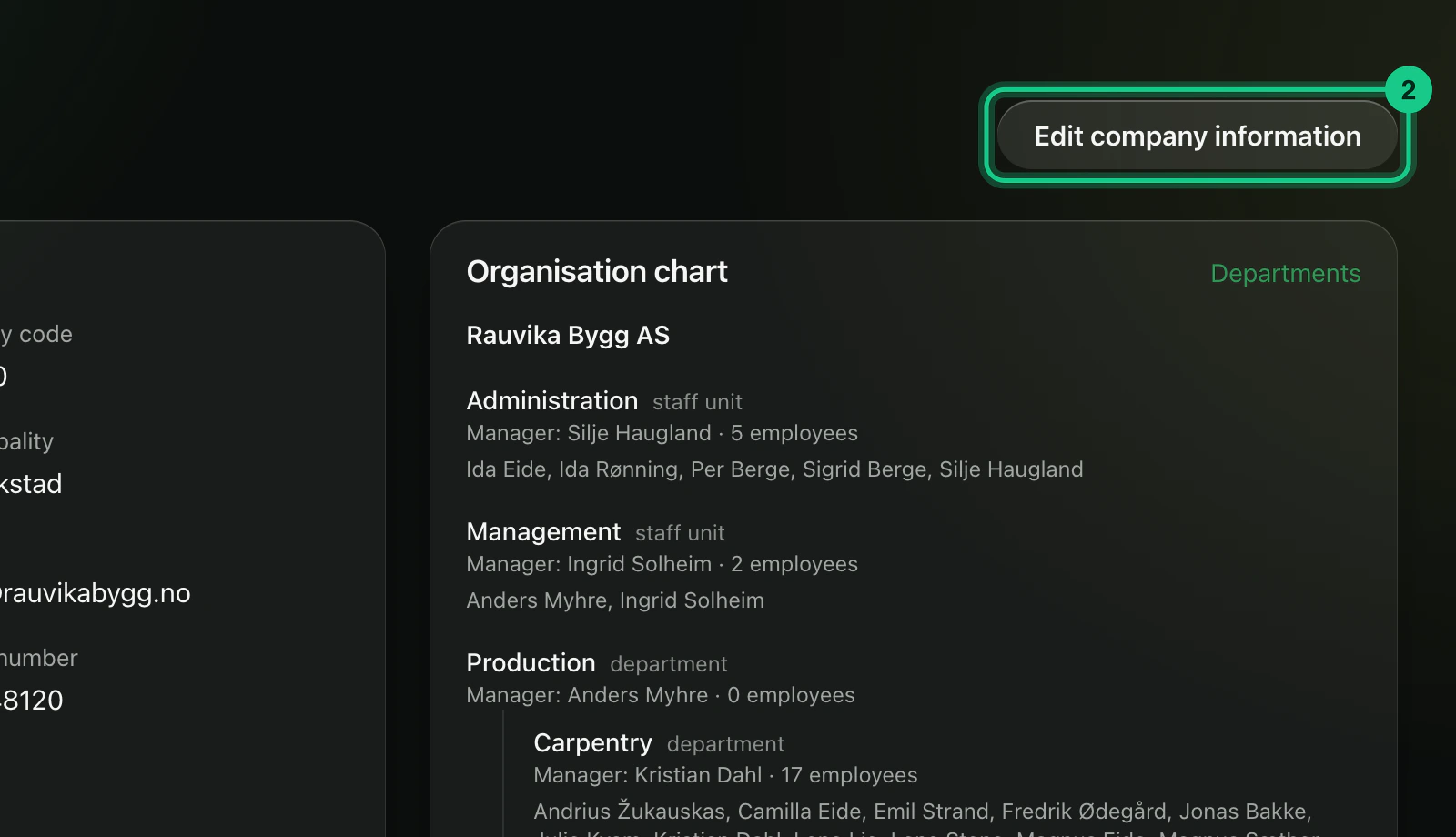
Go to Company > Company information. Everyone in the company sees the page, which shows the organisation number, contact details and the organisation chart.
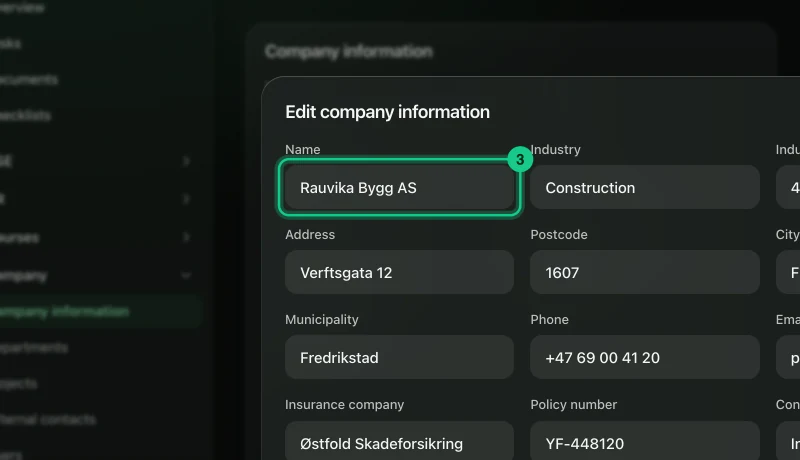
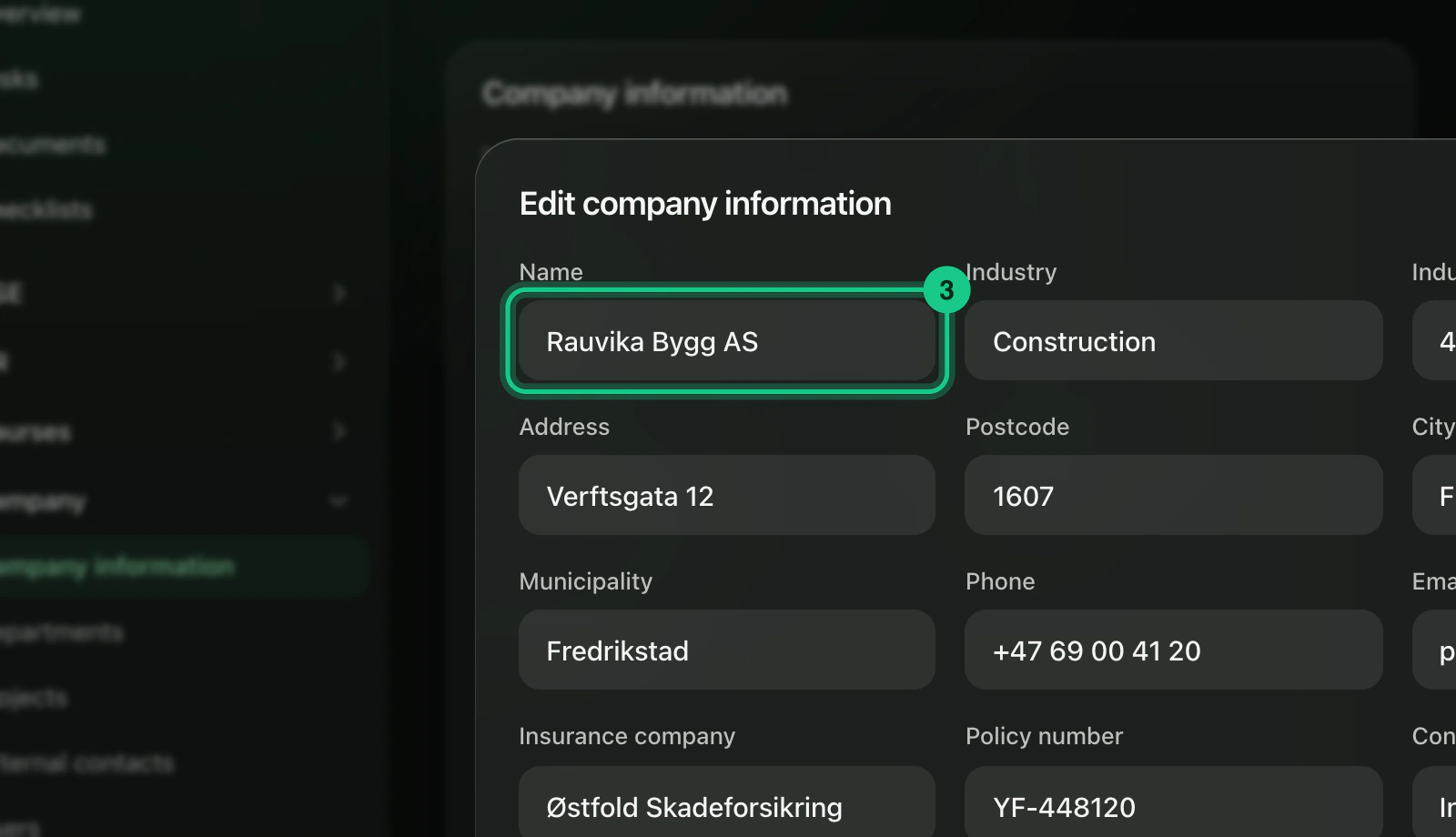
Select “Edit company information”. The button is shown to administrators and to roles with edit rights on “Company information”.

Fill in name (required), industry, industry code, address, postcode, city, municipality, phone, email, insurance company, policy number and contact person.
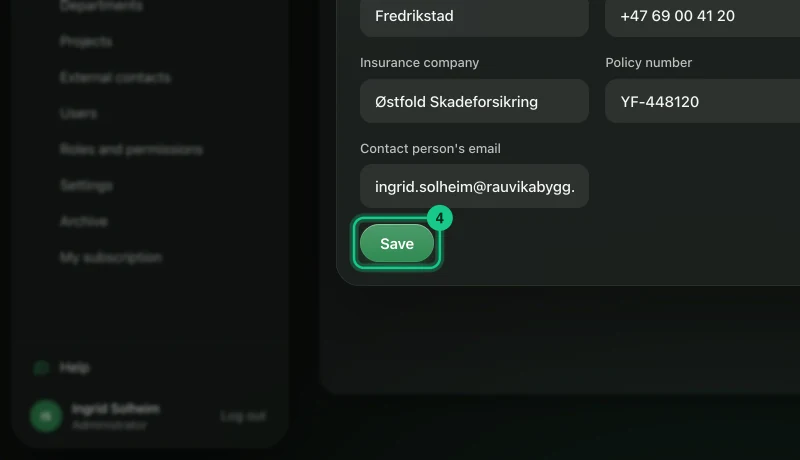
Select “Save”.

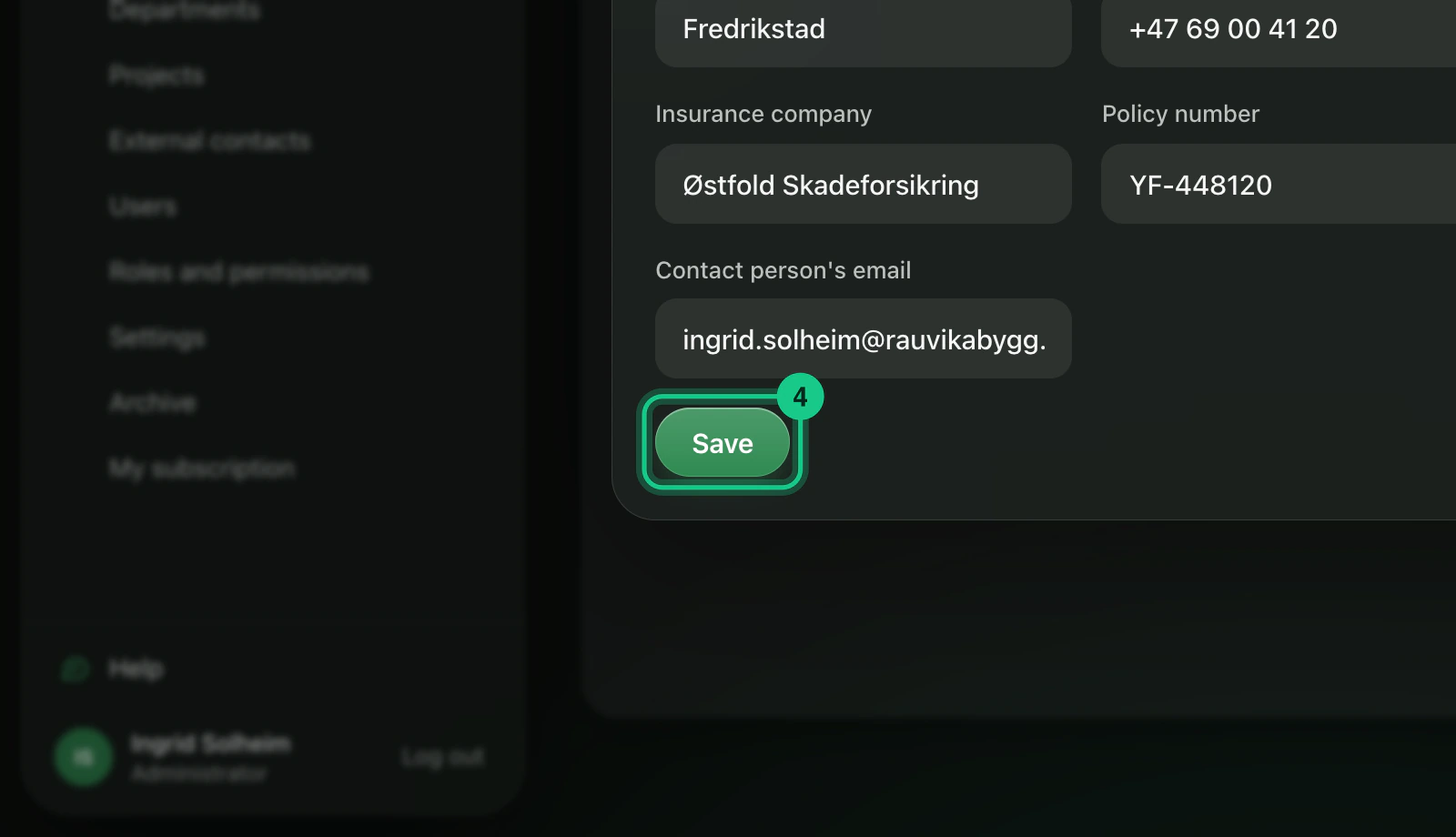
The organisation number cannot be changed in the portal.
Settings for the whole company
Go to Company > Settings. Only administrators see the menu item.
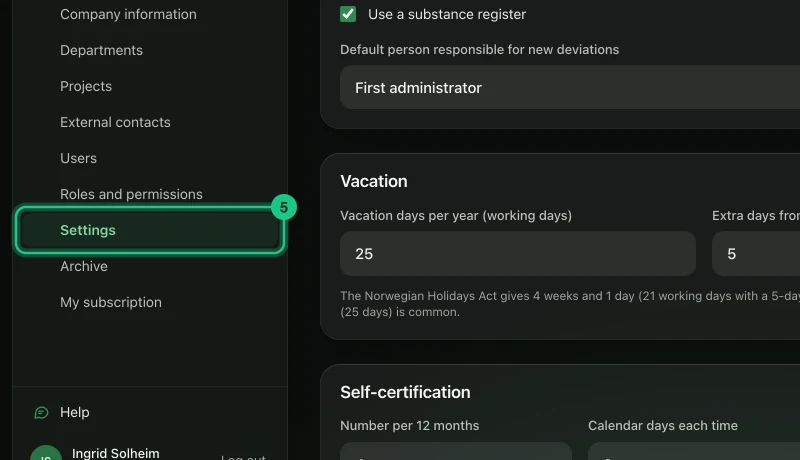
Change what you want. The cards you see depend on the plan:
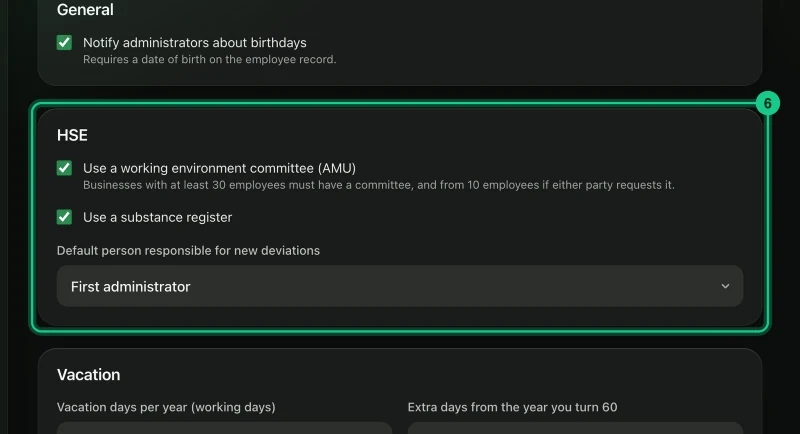
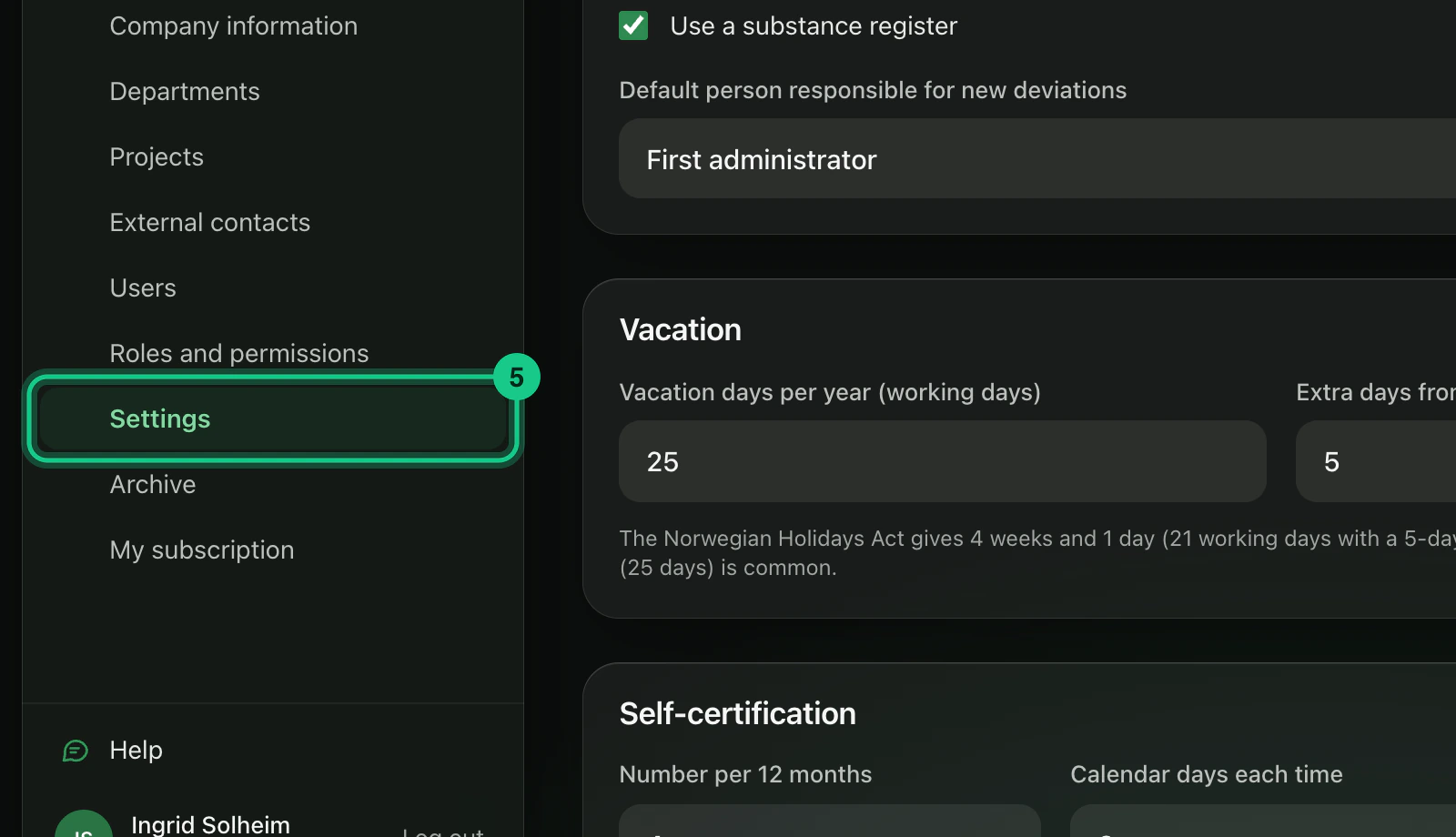
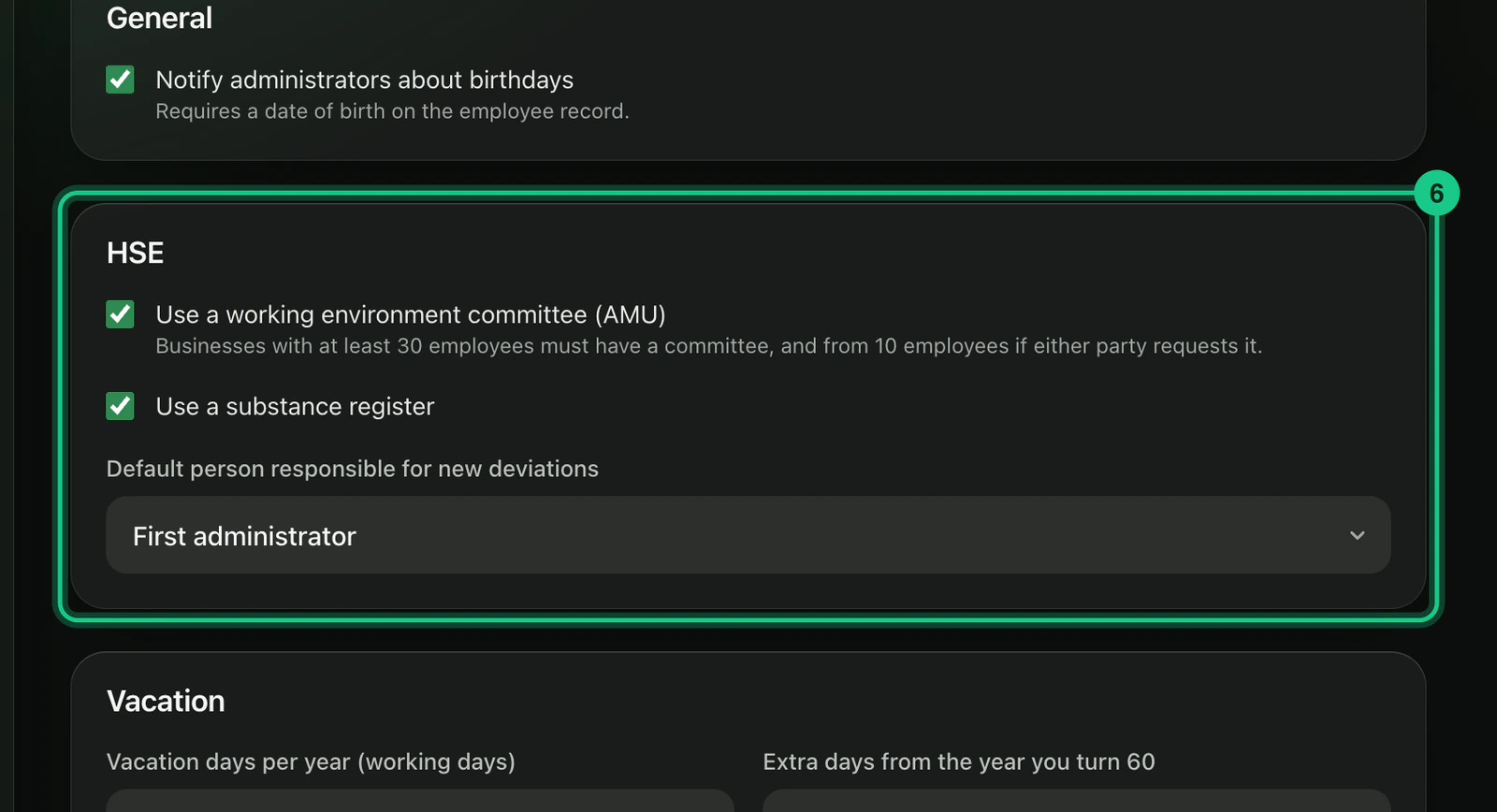
- HSE: “Use a working environment committee (AMU)”, “Use a substance register” and “Default person responsible for new deviations”. - HR: “Vacation days per year (working days)”, “Extra days from the year you turn 60”, and the self-certification rules “Number per 12 months”, “Calendar days each time” and “Months employed before use”. The switch “Notify administrators about birthdays” is also here.
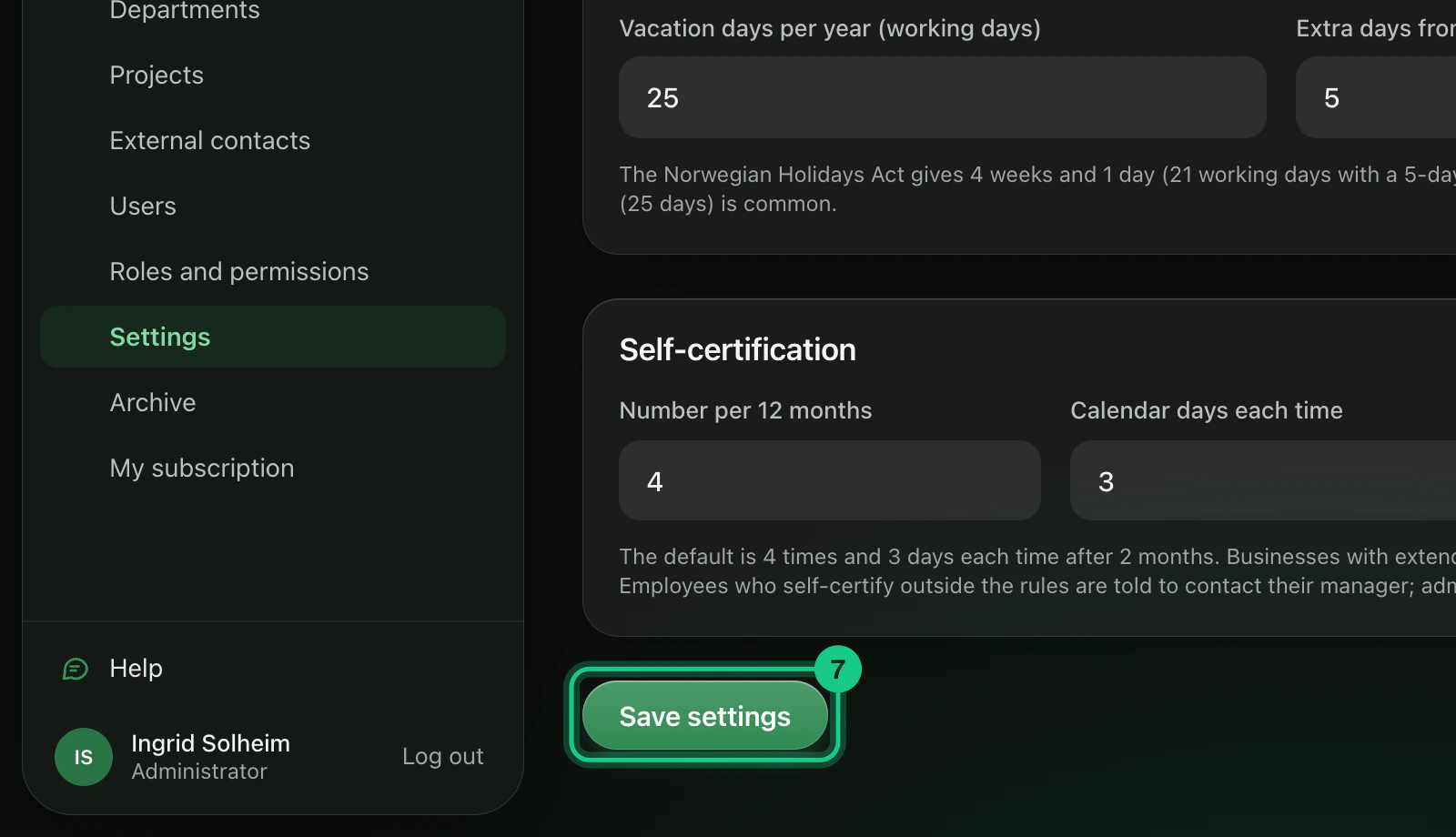
Select “Save settings” at the bottom. Everything is saved at once.

What happens next?
If you turn off AMU or the substance register, the menu item disappears from the menu. New deviations get the person you chose as responsible. The self-certification rules decide what employees can report themselves. The change is written to the access log, without details of what was changed.
Common problems
- “Vacation days must be between 21 and 40.” Each number has an upper and lower limit. The message says which.
- You do not see all the cards. They are only shown for modules the company has.
- Deletion routines are under Settings > Deletion routines. See “Retention and deletion”.