
Departments and projects
You create departments under Company > Departments and projects under Company > Projects. Employees are linked to a department on the employee record.
- Applies to: Administrator
- Applies to: Manager
- Requires Departments: all plans. Projects: HSE or HR
In the portal: Company > Departments and Company > Projects
Departments
Go to Company > Departments and select “New department”.

Write “Name”. Choose “Type”: department or staff unit.

Choose a “Manager” from the employee list if you want to, and “Belongs under” if this is a subdepartment.

Select “Add”.

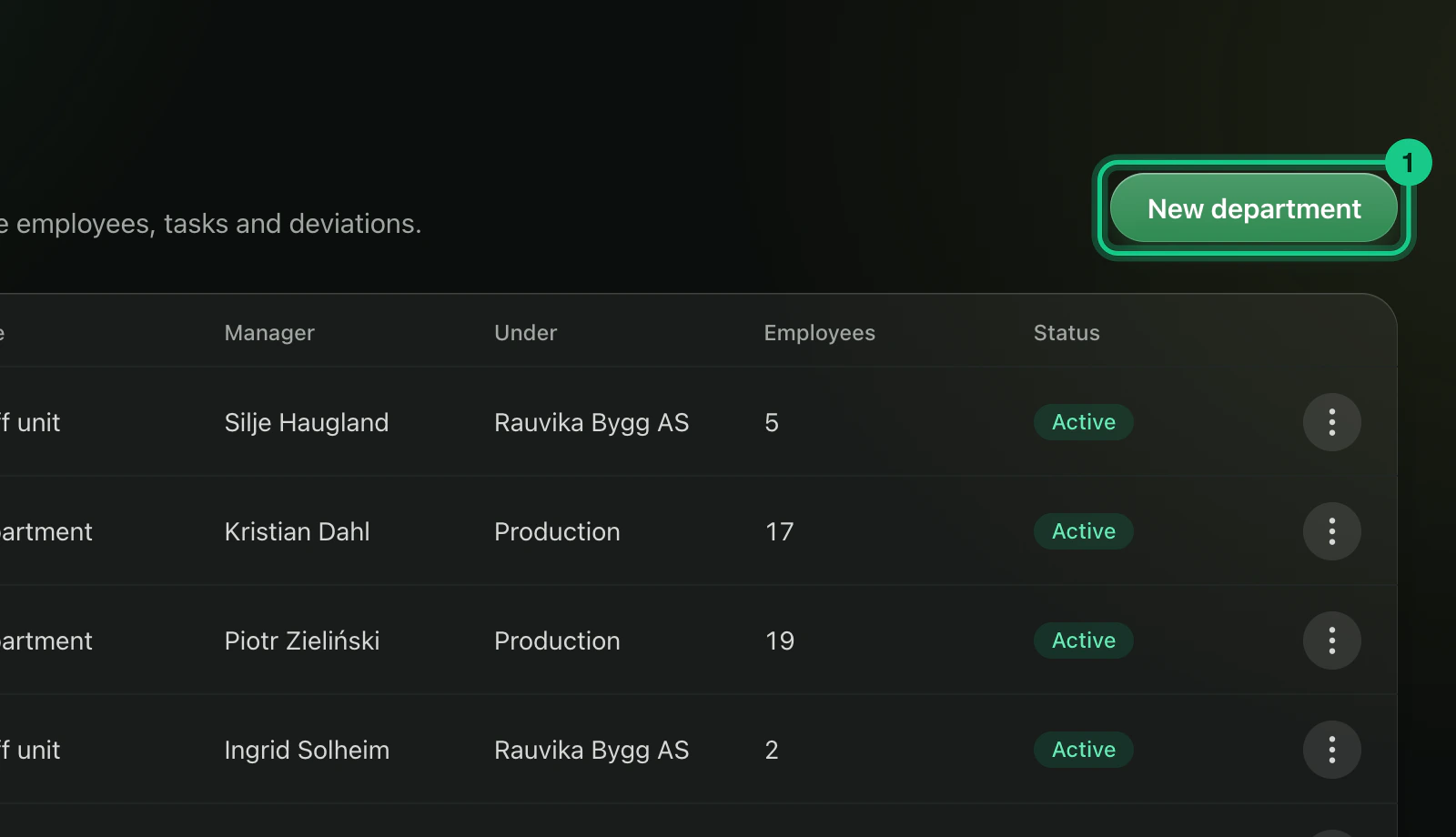
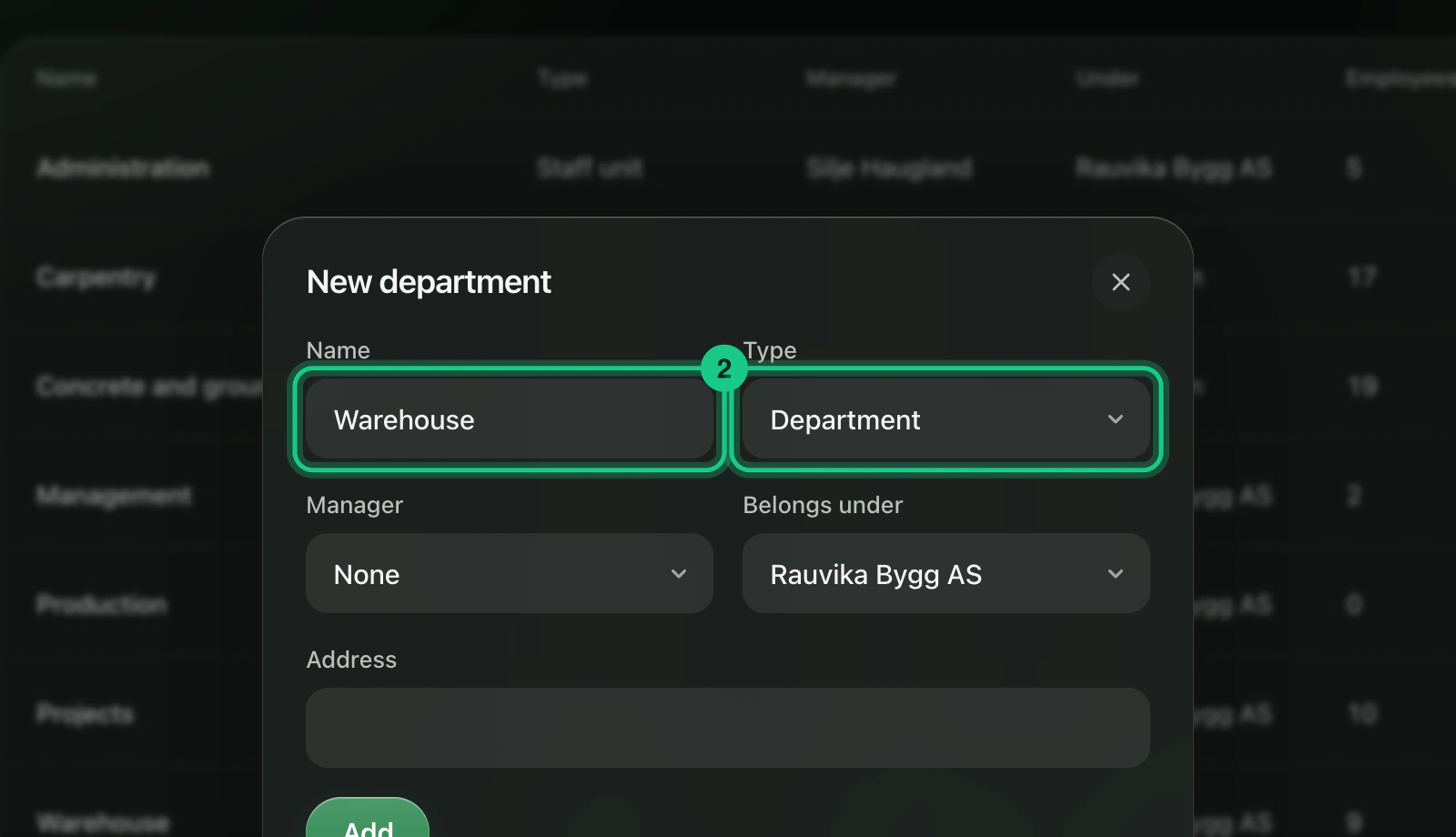
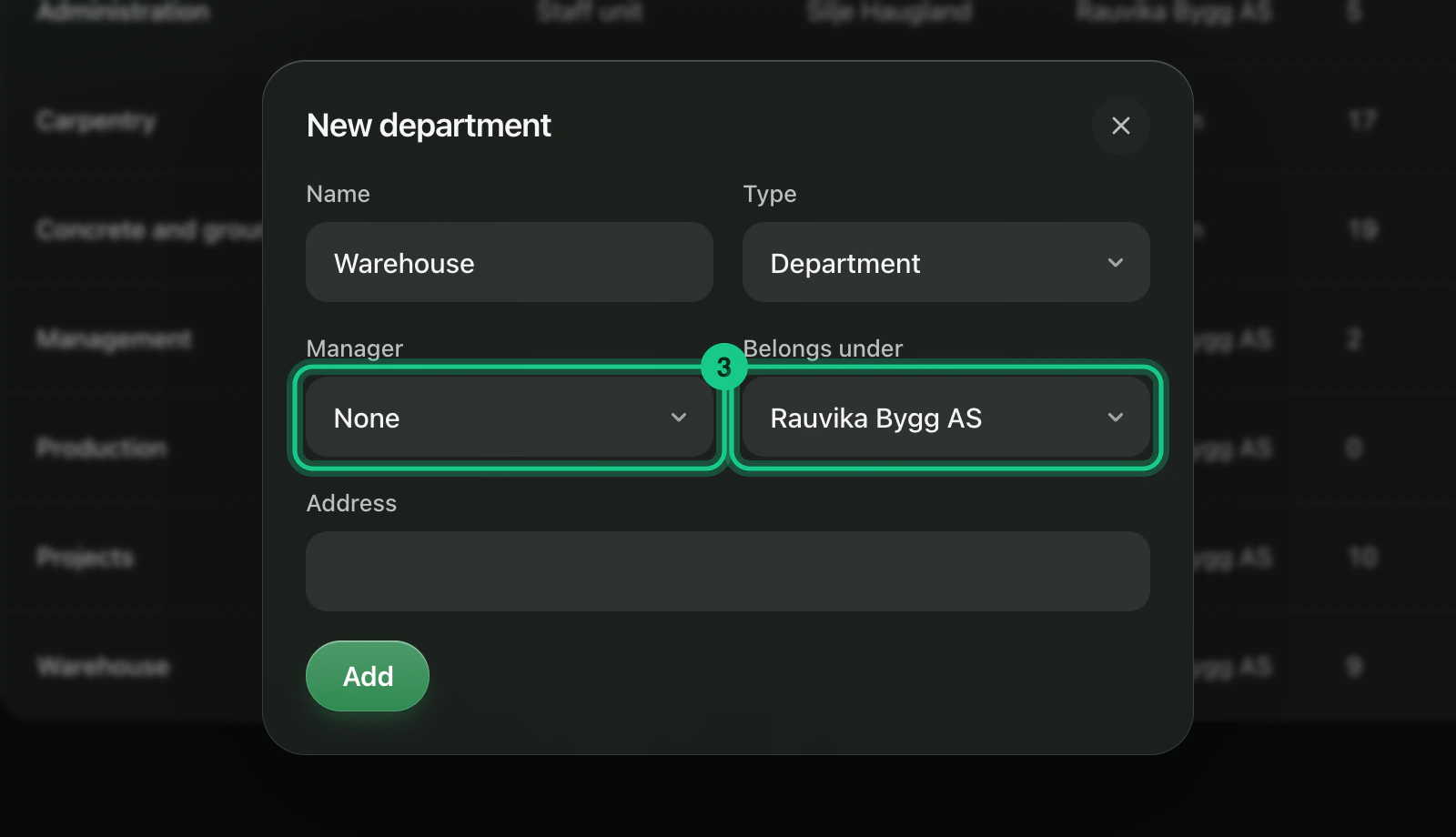
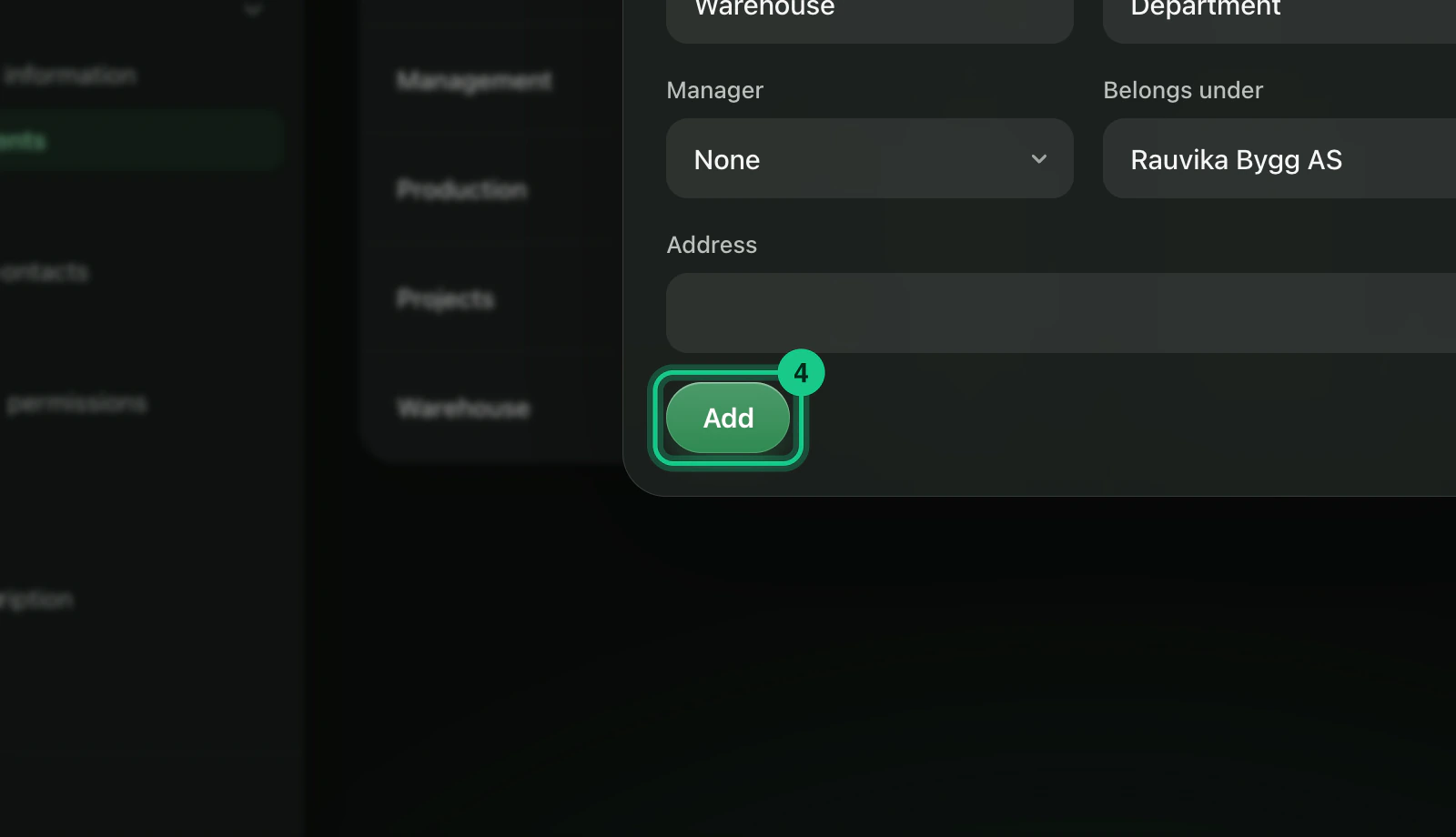
You link employees to a department on the employee record, in the field “Department”, under HR > Employees. The department page shows the number of employees.
You edit a department, and turn it off (remove “Active”), from the row. A department that is turned off disappears from lists and the organisation chart, but is not deleted. If you delete a department, employees and cases are left without a department, and subdepartments move to the top level.
Projects
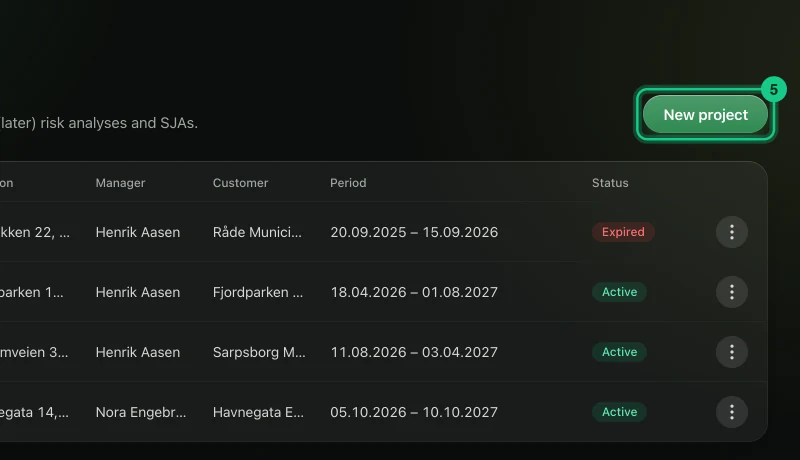
Go to Company > Projects and select “New project”.
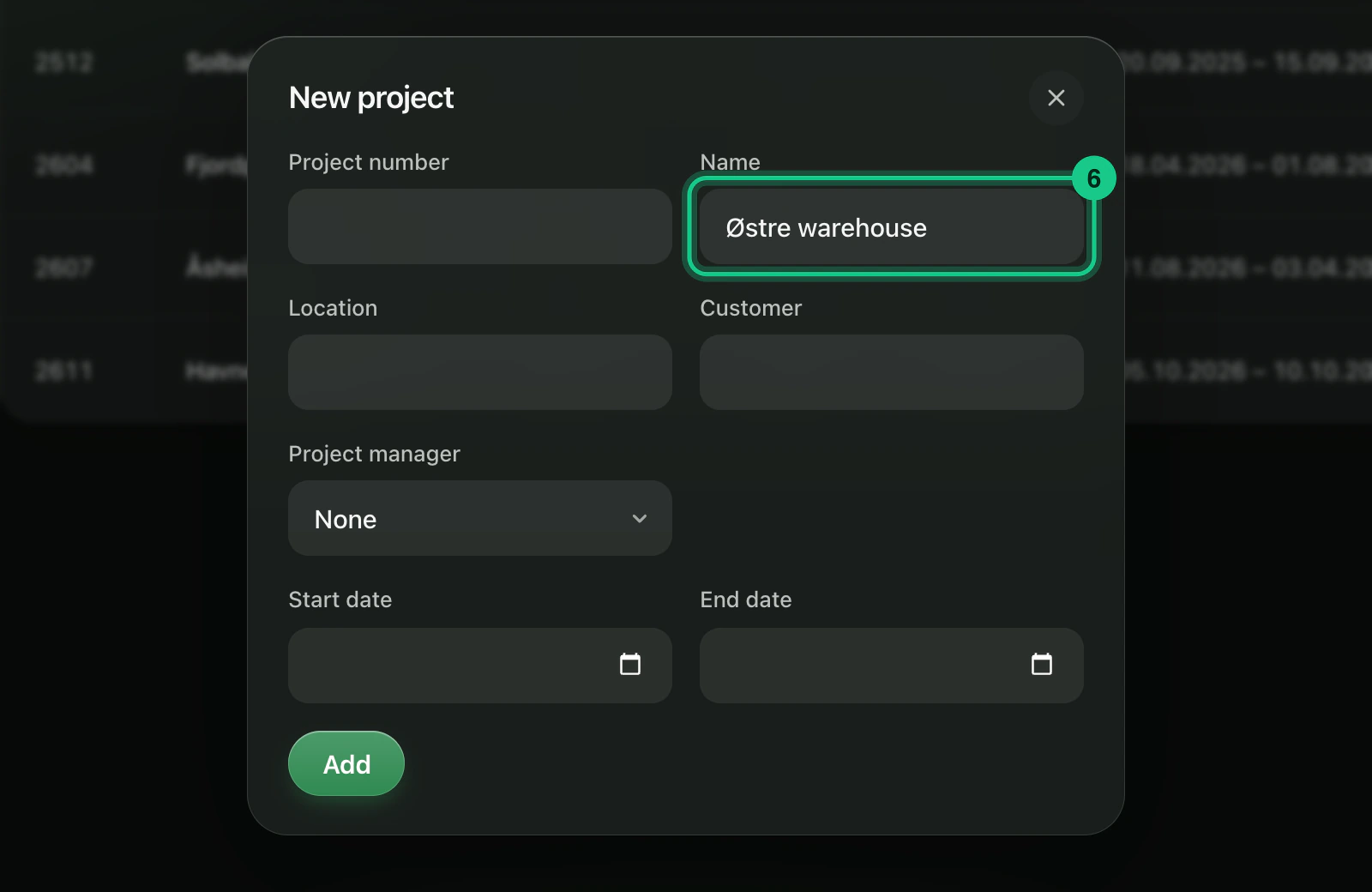
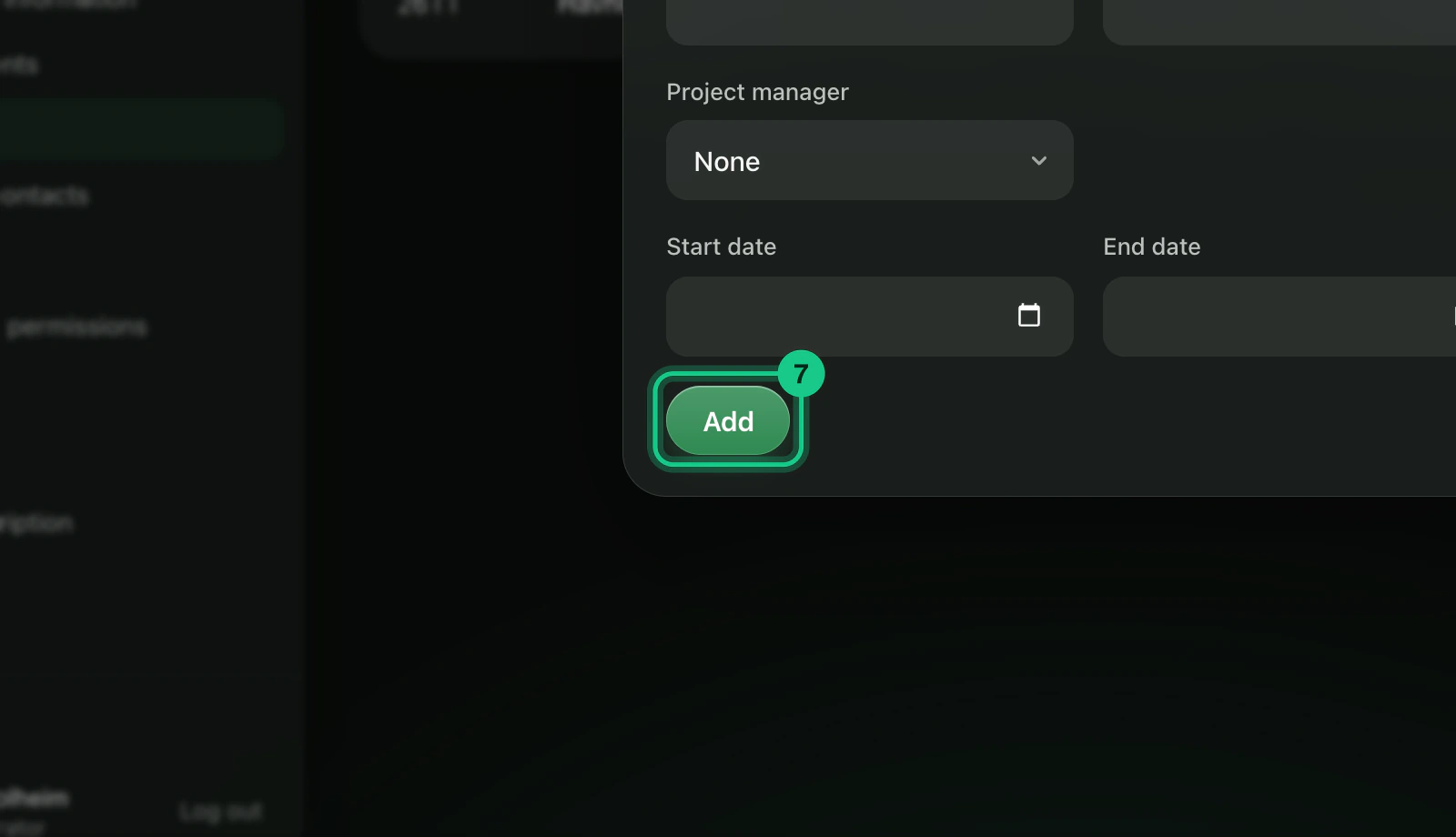
Fill in “Name”. You can also enter project number, location, customer, project manager and start and end dates.

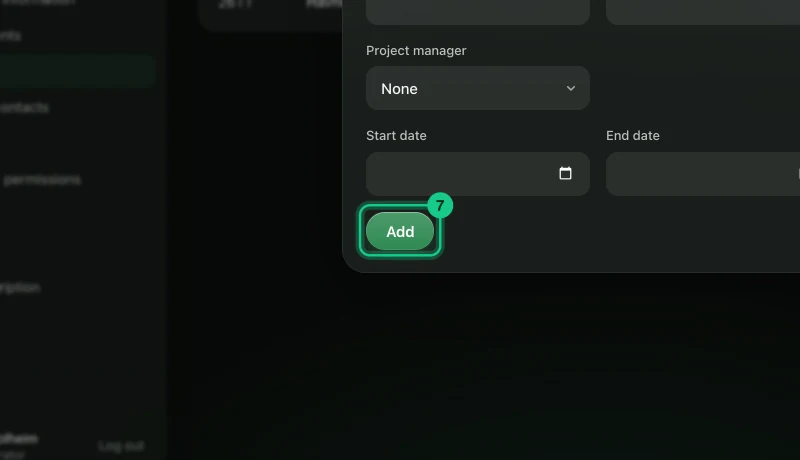
Select “Add”.
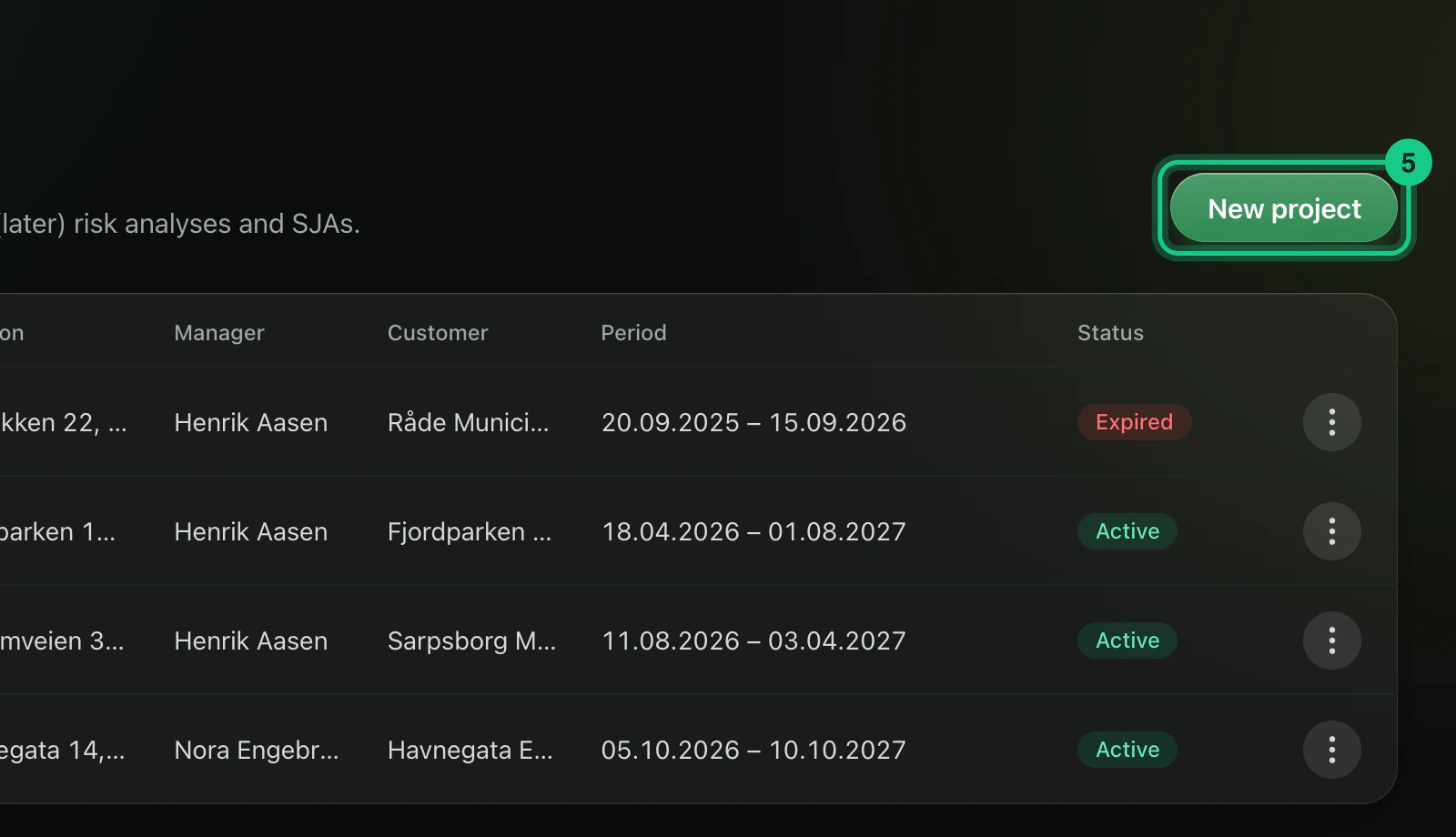
Projects can be linked to deviations, tasks and hours. A project shows as “Active”, “Expired” once the end date has passed, or “Archived”. Archived projects cannot be chosen on new deviations, tasks and hours, but what has been recorded stays.
Who can change them?
Administrators, and roles with edit rights on the area. Only an administrator can move or turn off a department, because that changes who sees shared folders.
Common problems
- “A department cannot belong under itself.” Choose a different parent department.
- Projects are missing from the menu. Projects come with HSE or HR.
- You cannot find an import. Departments and projects are entered one at a time.