
Lost your phone, or the code does not work
The portal has no backup codes, and neither you nor an administrator can reset two-factor in the portal. If you have lost the phone with the authenticator app, contact us.
- Applies to: Employee
- Applies to: Manager
- Applies to: Administrator
- Requires Two-factor turned on
In the portal: Log in > “Confirm it’s you”
The code does not work
Make sure you type the latest code. It changes every 30 seconds.
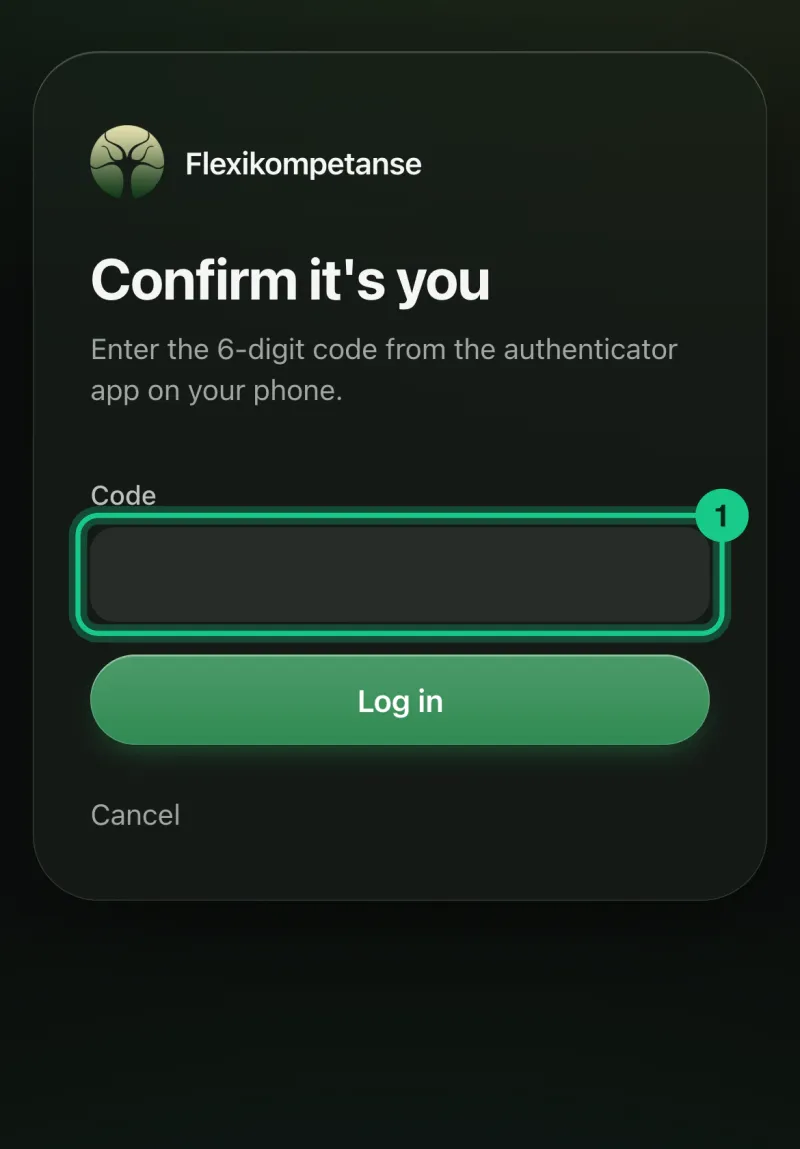
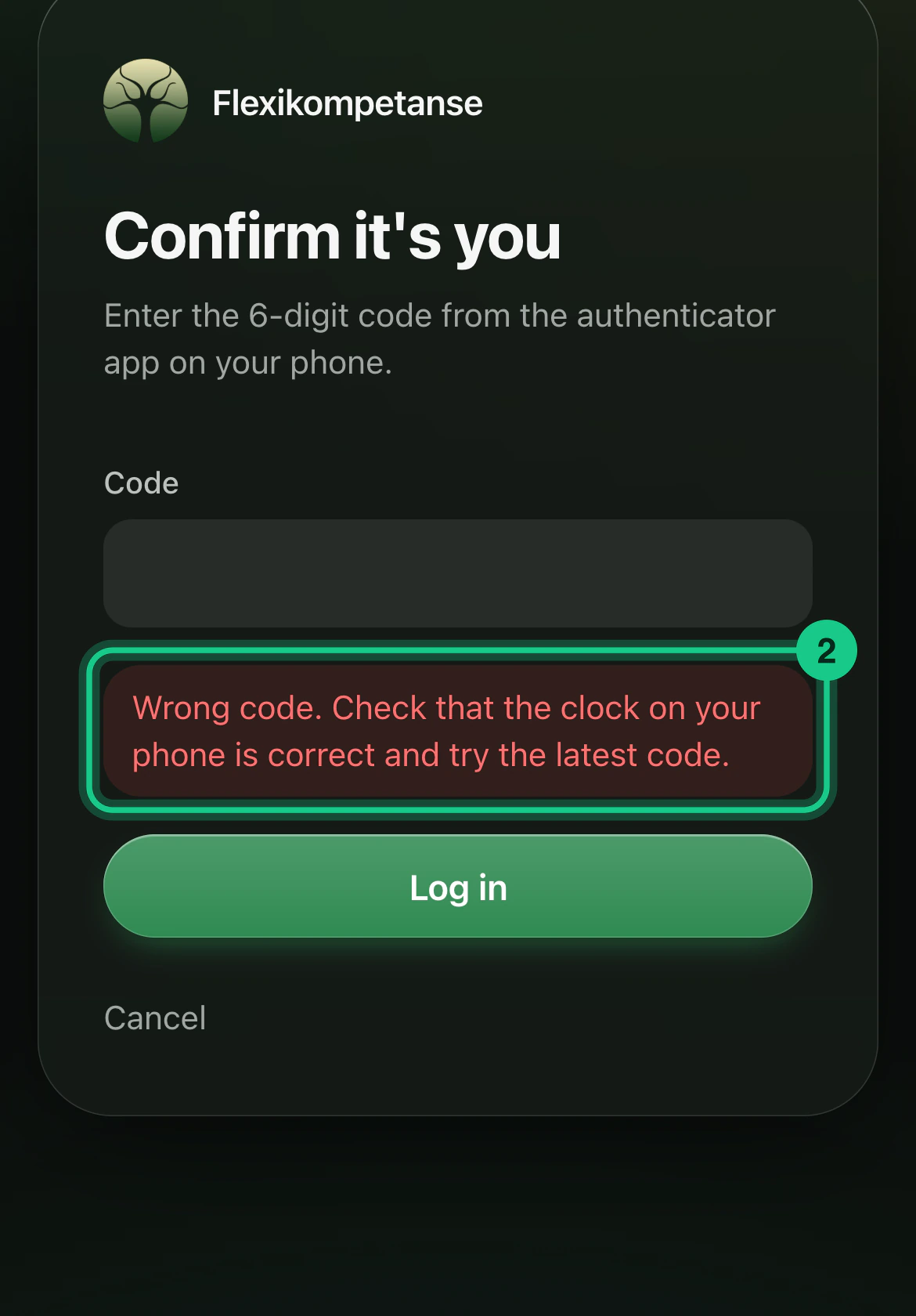
Check that the clock on your phone is correct. The portal says: “Wrong code. Check that the clock on your phone is correct and try the latest code.”

After 5 wrong attempts the account is locked for 15 minutes. Wait, and try again.

You have lost your phone
- There are no backup codes.
- “Forgot password” does not help, because it only changes the password and not two-factor.
- An administrator in your company cannot reset two-factor for you.
- Users who must have two-factor cannot turn it off themselves.
Contact us at kontakt@flexikompetanse.no or call +47 402 80 400, and we will help you get back in. Never send passwords or codes by email.
What happens next?
We must fix the login for you, because it cannot be done in the portal. You will be told when it is done.
A tip for next time
When you set up two-factor, a key is shown under “Can’t scan?”. Keep it as safe as a password. With it, a new phone can set up the same codes.